Recently we had the opportunity to investigate some polling and telemetry issues on some poorly…
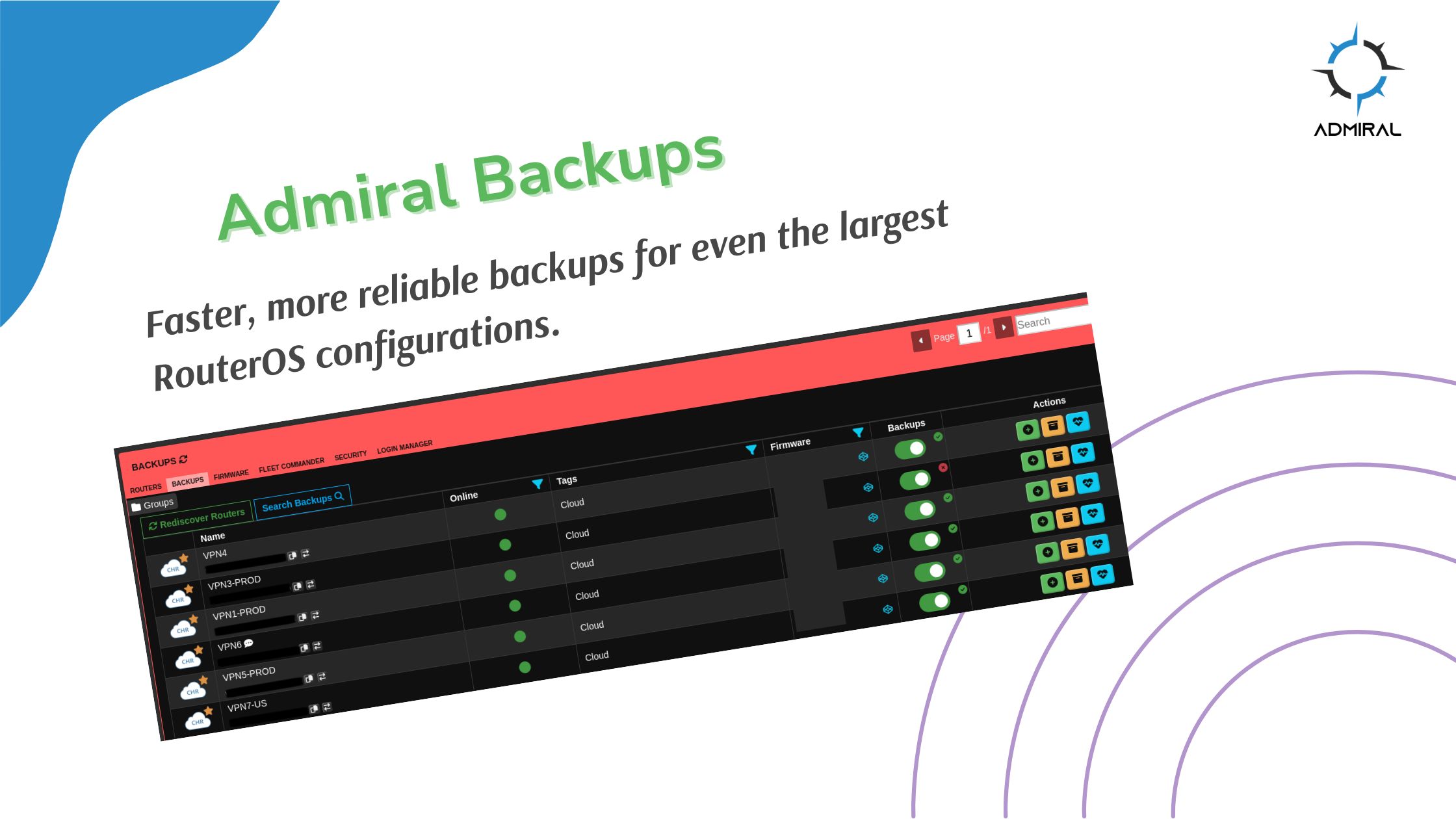
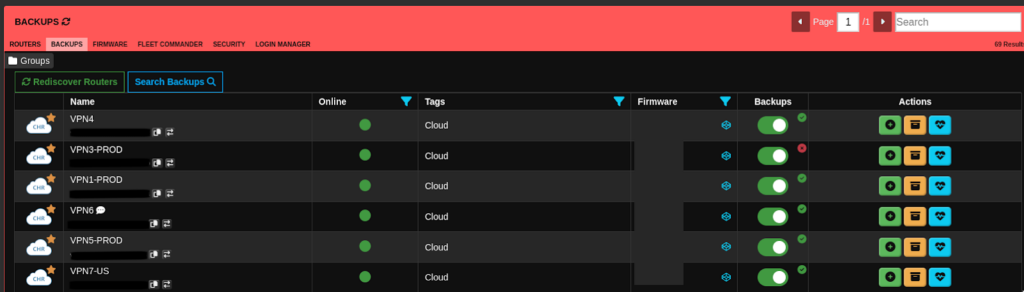
Backups: New & Improved
Faster, more reliable backups for even the largest RouterOS configurations.
Managing network infrastructure means managing configurations—and when those configurations grow large, backing them up reliably becomes a real challenge. Our development team recently tackled this head-on, and we’re excited to share what we’ve built.
The Problem
We discovered that very large configuration files (hundreds of thousands of lines of configuration) were timing out during the backup process. For customers managing complex networks with extensive configurations, this meant incomplete backups and potential gaps in their disaster recovery strategy. That wasn’t acceptable.
What We Did

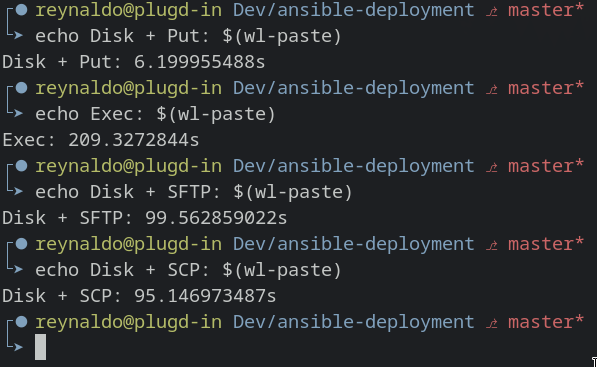
Our team dove deep into the problem, benchmarking multiple approaches and loads of testing to find the optimal solution:
- Stream compression negotiation across SSH and SFTP protocols
- Custom compression algorithms optimized for faster transfer speeds
- Version-specific handling to work around RouterOS limitations
The results were significant. Large configuration files now achieve a compression ratio of approximately 0.67—meaning faster transfers and more reliable completion.
Overcoming RouterOS Limitations
This wasn’t a straightforward fix. We encountered several technical hurdles along the way:
RouterOS v6 file size limits: Version 6 doesn’t support reading files larger than 4KB, requiring a different approach for legacy devices.
Output command restrictions: RouterOS refuses to read out files that exceed certain size thresholds using the :put command, which meant we needed alternative methods for file retrieval.
The Solution
Rather than force a one-size-fits-all approach, we developed custom backup methodologies tailored to different RouterOS versions. This ensures that whether you’re running v6 or v7, your configurations—no matter how large—back up successfully and completely.
The bottom line: Large configuration backups now work the way they should—reliably and efficiently. If you’ve experienced backup timeouts in the past, those days are over.
Questions about backups or other Admiral Platform features? Contact our team.

Related Posts