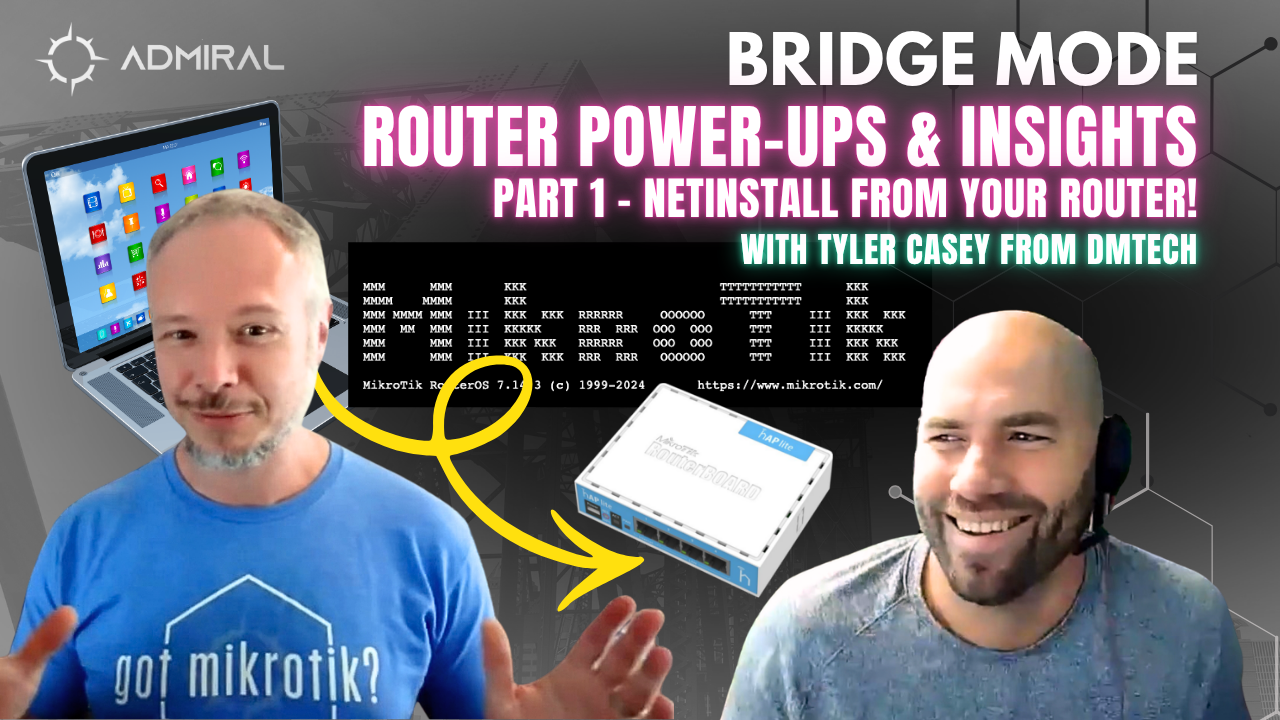
https://youtu.be/jYFqPU61Xn4 On this episode of Bridge Mode, MikroTik Marc sits down with Tyler Casey to…

Bridge Mode: Super Bowl Traffic, Smarter BGP, and the “Bang-for-the-Buck” MikroTik Wi-Fi Stack
Bridge Mode is where we get real with real-world operators—no vendor fluff, no theory-only takes—just the deployments, decisions, and lessons learned in production networks. In this episode, MikroTik Marc sits down with Tyler Casey from DMTech to unpack two things every ISP/MSP cares about:
- What “event traffic” really looks like (and whether the Super Bowl still breaks networks)
- How to make smarter, more resilient design choices—from upstream BGP balance to in-home Wi-Fi hardware that scales
1) The Super Bowl Didn’t Break the Network… But the Charts Still Told a Story
The conversation starts the day after the Super Bowl with a simple operator question: Did traffic spike hard enough to cause pain? Tyler pulled up DMTech’s graphs and found a noticeable peak, but interestingly it appeared after the game—more in line with their normal evening streaming window than a “game-time meltdown.” Pasted text
One hypothesis they discuss: in some rural/less “OTT-heavy” areas, plenty of viewers still use traditional TV services(Dish/DirecTV), which can soften the kind of internet spike operators expect from major live events. Pasted text
Takeaway: Don’t assume “big event = outage.” Look at your own telemetry, and design capacity around your real peak windows.
2) Upstream Reality: When “Equal Advertisements” Don’t Mean Equal Traffic
Tyler then shares one of those classic multihoming surprises: the moment they brought up a second upstream and advertised prefixes evenly, most inbound traffic preferred one provider—turning “active/active” into something closer to “active/standby” in practice. Pasted text
Their pragmatic fix is the kind of ISP craft you only learn in the field:
- Keep redundancy by advertising broader space to both
- Use more-specific advertisements (e.g., selective /24s) to influence how the internet returns traffic, especially when you have room to do it (larger allocations) Pasted text
Why it matters: When your combined peak exceeds a single circuit’s capacity, failover isn’t “free.” Load distribution is what protects you from congestion when one side drops. Pasted text
3) Edge Performance Without Throwing Away Security: The L3HW + FastTrack Middle Ground
The episode also touches a topic that matters to anyone pushing real throughput: hardware forwarding at scale—and the tradeoffs.
Tyler describes how going “pure” L3 hardware forwarding can come with a brutal concession: no meaningful firewalling at the edge. Instead, they discuss using a hybrid approach where the first packet is inspected and then flows are fast-tracked into hardware—getting performance and keeping sane security posture. Pasted text
Operator mindset: Performance is great, but not at the cost of being wide open.
4) The MikroTik hAP ax³? Nope—The Episode’s “Hotness” Is the hAP ax²…S (and Why)
The big hardware segment is a deep dive into why DMTech is going hard on MikroTik hAP ax…S as a scalable “managed Wi-Fi” workhorse:
What they call out:
- Insane price/performance for ISP-scale deployments (close to AC2 pricing with a huge leap forward) Pasted text
- Triple-chain Wi-Fi 6
- PoE in + PoE out
- 2.5G SFP (not just “nice,” but future-proofing for what’s coming) Pasted text
- Upgrade/reboot speed: compared to the AC2’s famously slow upgrade cycles, the new platform is dramatically faster to deploy at scale Pasted text
They also highlight a key technical point that gets overlooked in “Wi-Fi generational” talk:
- 802.11ac is effectively “5 GHz AC + 2.4 GHz N”
- 802.11ax brings real modernization to 2.4 GHz, making it genuinely usable again (huge for IoT-heavy homes and long-range scenarios) Pasted text
5) The Wi-Fi Debate That Never Dies: Merged SSIDs vs Split SSIDs
This part is pure real-world ops: they talk about why Wi-Fi can still be messy even with great gear.
- Merged SSIDs can enable roaming—but client behavior is inconsistent and device-dependent.
- Split SSIDs are deterministic—but customers often connect everything to the wrong band.
Their practical naming convention tip:
- Name 5 GHz “FAST”
- Name 2.4 GHz “FAR” (or “SLOW” for clarity, with the caveat that “slow” can be a weird customer-facing label) Pasted text
This is exactly the kind of conversation Bridge Mode exists for: there’s no perfect answer—just smarter tradeoffs.
Where Admiral Platform Fits In
This episode isn’t just gear talk—it’s a window into why DMTech calls Admiral “a massive game changer,” especially around managed Wi-Fi operations and improving customer experience at scale. Pasted text
If you’re running MikroTik in production—whether you’re a WISP, ISP, MSP, or enterprise operator—Admiral helps you move from “reactive firefighting” to repeatable operations:
- visibility into what’s happening,
- tools to standardize deployments,
- and the leverage to support more devices with less overhead.
Want to Be on Bridge Mode?
If you’re a network engineer/operator with a story, a challenge, or a hot take you want to bring to the table, Bridge Mode is open to you.
Send us a note and let’s talk shop: bridgemode@admiralplatform.com

Related Posts