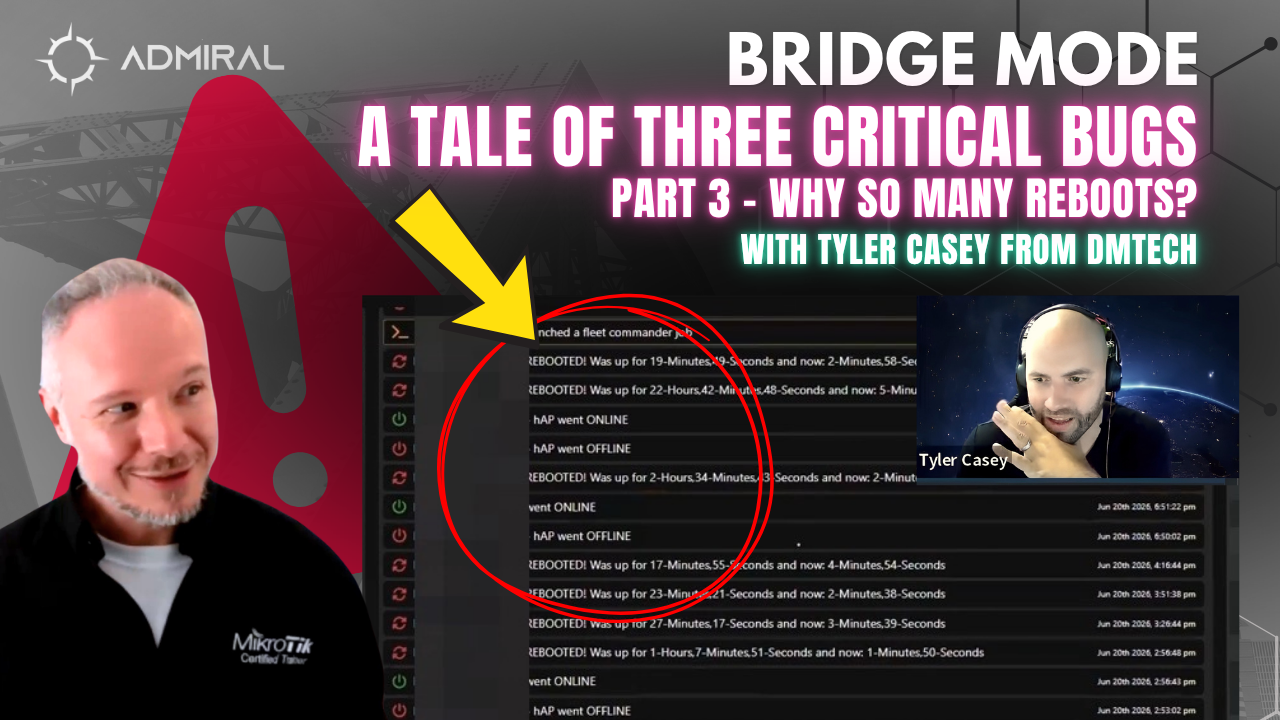
Recently we had the opportunity to investigate some polling and telemetry issues on some poorly…

Security & Allowed IP Addresses in RemoteWinBox.
We recently moved the allowed IP Address list to the Security page.
This page displays the IP Address list that is tracked in our system to allow access to your MikroTiks listed in the dashboard.
If you remove your IP at your current location and try to access it from the dashboard, the “Fix It” button will display. Clicking the “Fix it” button should add the IP Address back to the Allowed IP listing.
Anytime you want to purge an Allowed IP Address for security reasons, you can use this feature.

Related Posts