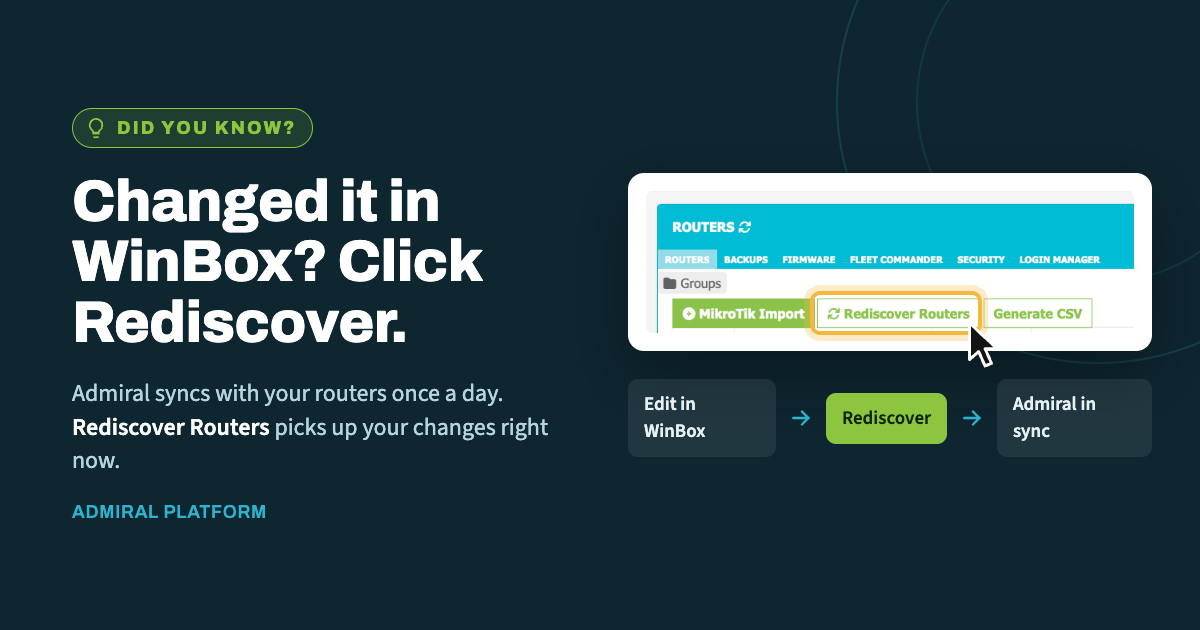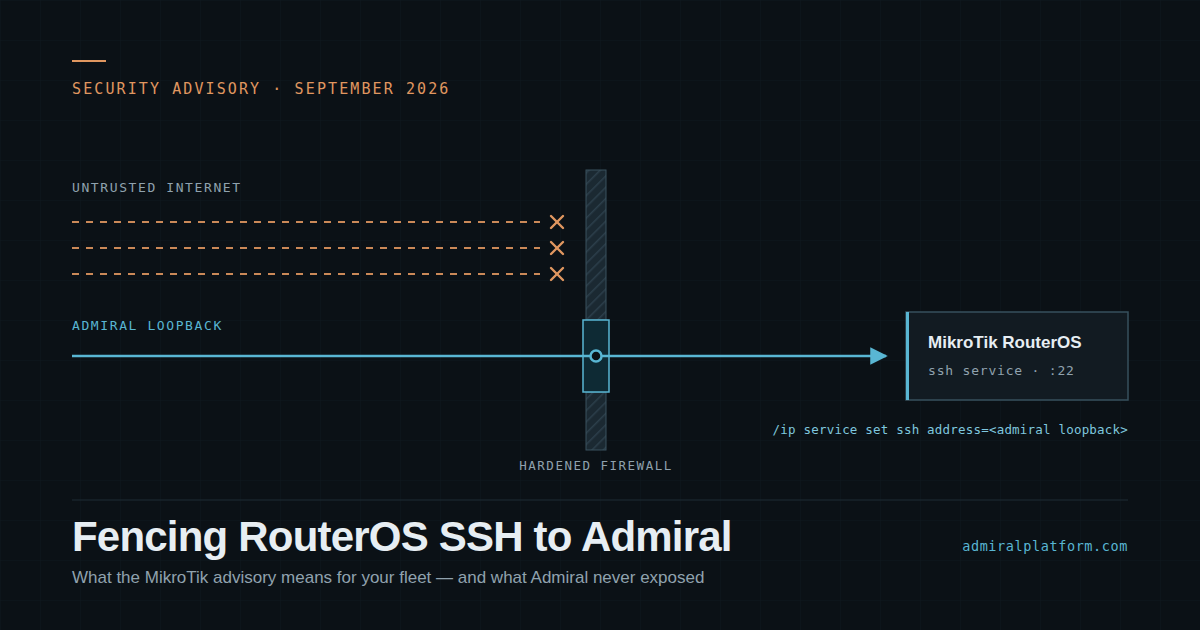
When you make a change directly on a router in WinBox, Admiral doesn't learn about…
What’s New in Admiral Platform: Cleaner Logs, WatchTower Backups, Hydra Import, and More
Admiral Platform continues to evolve with a focus on making MikroTik and network infrastructure management faster, cleaner, and easier at scale. Over the last few months, we’ve released several improvements across logging, WatchTower, router discovery, Router Health, historical tracking, and uptime reporting.
Here’s what’s new.
Quieter Logs for Busy Environments
For larger deployments, successful login logs can add a lot of noise. To help teams focus on the events that matter most, Admiral now includes a setting to suppress successful login logs from the main router log view.
When enabled, successful login logs are still preserved, but they are written to disk instead of cluttering the primary log interface.
To enable this setting:
Admin Settings > General Settings > Suppress successful login logs for all routers
This is especially helpful for environments with frequent automated access, larger teams, or many managed routers where routine successful login events can make it harder to spot meaningful issues.
WatchTower Updates: SSH Polling, Dell Switch Backups, and Backup Comparisons

WatchTower continues to expand beyond basic monitoring, with new groundwork for deeper infrastructure visibility and management.
We’ve added configuration support for SSH-based polling, which will allow Admiral to support additional WatchTower capabilities over SSH in the future, including backups, metrics, and other device-level insights.
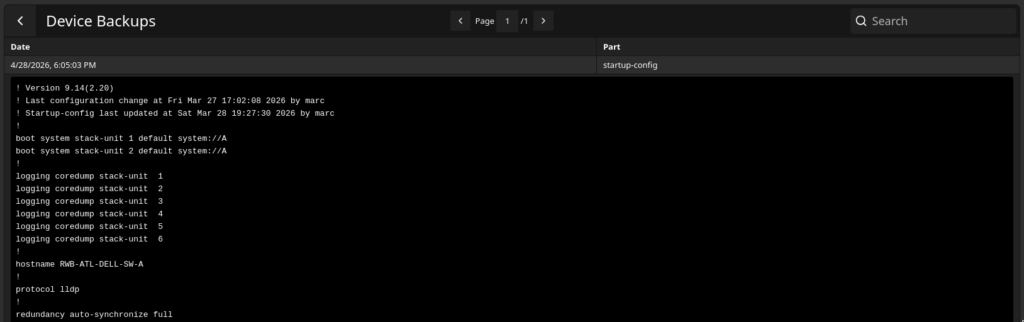
We’ve also launched backups and Backup Comparisons for Dell switches inside WatchTower.
That means WatchTower can now help teams not only preserve Dell switch configurations, but also compare changes over time. This gives operators a clearer view into what changed, when it changed, and whether a configuration drift may need attention.
Hydra Early Access: A New Way to Import MikroTiks
We’ve launched a new early access feature inside the MikroTik Import Tool: Hydra.
Hydra is designed to make it easier to discover and add MikroTiks that are adjacent to your existing deployment. Instead of manually entering every device, Admiral can detect neighboring MikroTiks and allow you to add them directly through the import workflow.
This is especially useful when onboarding new networks, cleaning up unmanaged devices, or expanding Admiral coverage across an existing MikroTik environment.
Hydra is currently available as an early access feature in the MikroTik Import Tool.
Router Health Improvements
We’ve also made several improvements to Router Health to improve page performance, visual accuracy, and long-term tracking.
- Clean Devices now runs automatically during daily discovery. This helps keep Router Health pages loading faster by cleaning up device records as part of Admiral’s normal discovery process. For larger deployments, this should improve responsiveness and reduce unnecessary clutter.
- Fixed a page rendering issue affecting CHR models on the Router Health Devices tab. CHR devices should now display more reliably and consistently in Router Health.
- We fixed a visual issue with live traffic display: Router Health > Health > Live Traffic. This update improves how live traffic data is displayed, making the view cleaner and easier to interpret.
Interface Historical Tracking Fix
We also fixed an issue with interface historical tracking related to character limits.
Some routers may have been affected by interface names or related identifiers exceeding expected limits. If your router was impacted, you may notice new datasets appearing on bandwidth charts.
In time, the older datasets will naturally age out, leaving the corrected tracking data in place going forward.
Router Uptime Reports Now Support Date Ranges
The Router Uptime report now allows users to choose a date range.
This makes it easier to review larger amounts of uptime history and evaluate router availability over a specific period.
A few limits apply:
- Date range selection is limited to a 3-month window
- Reports can go back a maximum of 1 year
This gives teams more flexibility when reviewing uptime trends, preparing internal reports, or investigating historical availability across their MikroTik fleet.
More Visibility, Less Noise, Easier Onboarding
These updates are part of our continued focus on helping operators manage infrastructure more efficiently. Whether you’re reducing log noise, backing up Dell switches, discovering neighboring MikroTiks with Hydra, or reviewing uptime over longer windows, Admiral Platform is continuing to improve the daily experience of managing routers and network infrastructure at scale.
Log in to Admiral Platform to explore the latest improvements, and keep an eye out for more WatchTower and Hydra updates as these features continue to expand.
Coming Soon: Compass WiFi Updates and a New Notifications Engine
We’re also actively working on several improvements that are still in progress.
Compass WiFi Interface Improvements
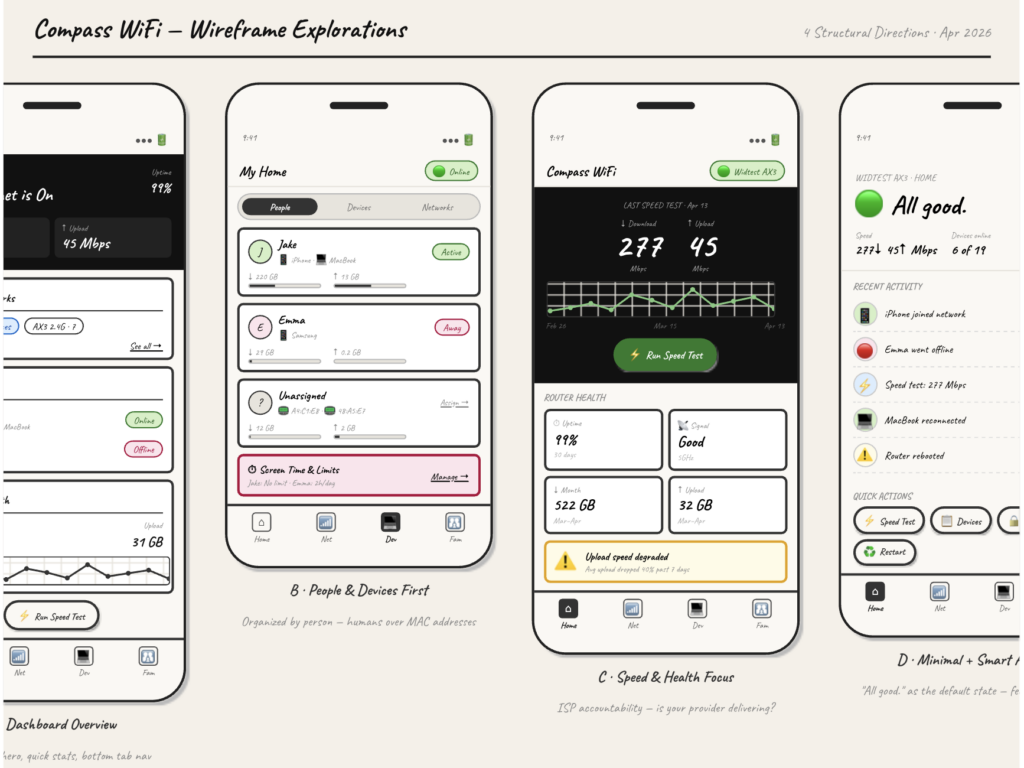
Updates are underway for the Compass WiFi user interface to make it more mobile friendly and easier to use from phones and tablets.
These improvements are focused on making common customer and household management tasks simpler, including:
- Managing connected devices
- Reviewing users and device assignments
- Updating parental controls
- Navigating the interface more easily on smaller screens
New Notifications Engine
We’re also building a new notifications engine for Admiral Platform.
This update will allow users to create custom templates for alerts and emails, giving teams more control over how notifications are written, formatted, and delivered.
Instead of being limited to fixed notification language, operators will be able to better tailor messages for their team, customers, or operational workflows.
More details will be shared as these features move closer to release.

Related Posts