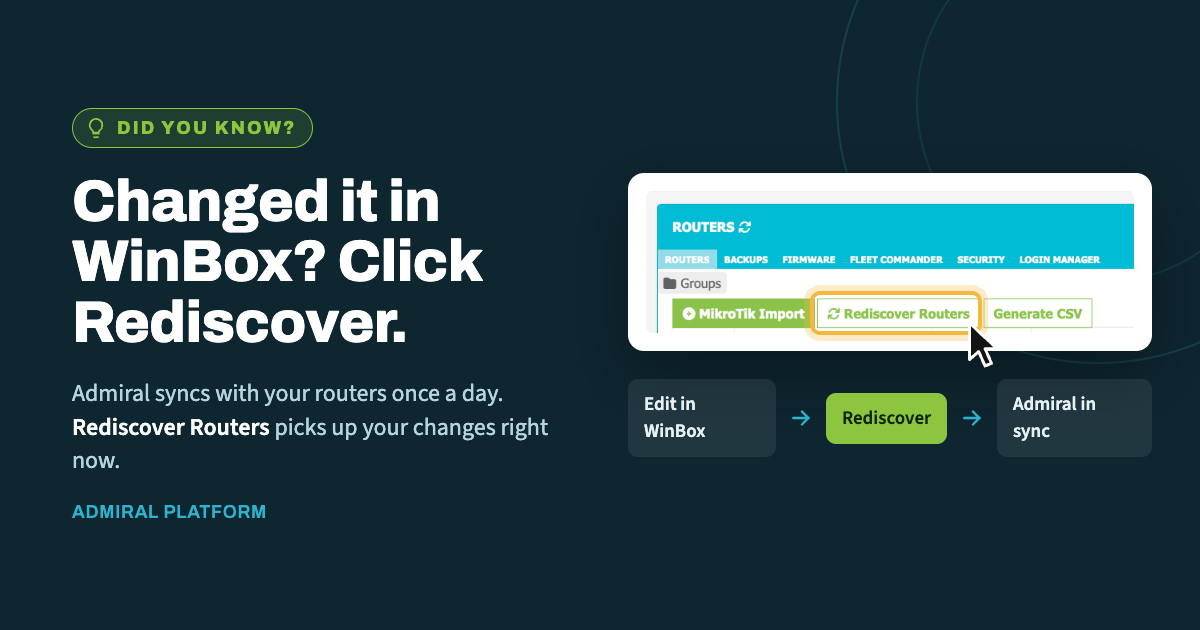
When you make a change directly on a router in WinBox, Admiral doesn't learn about…
Admiral Proxy Guide
Connecting a Child MikroTik Behind a Parent MikroTik (No Direct Internet Access)
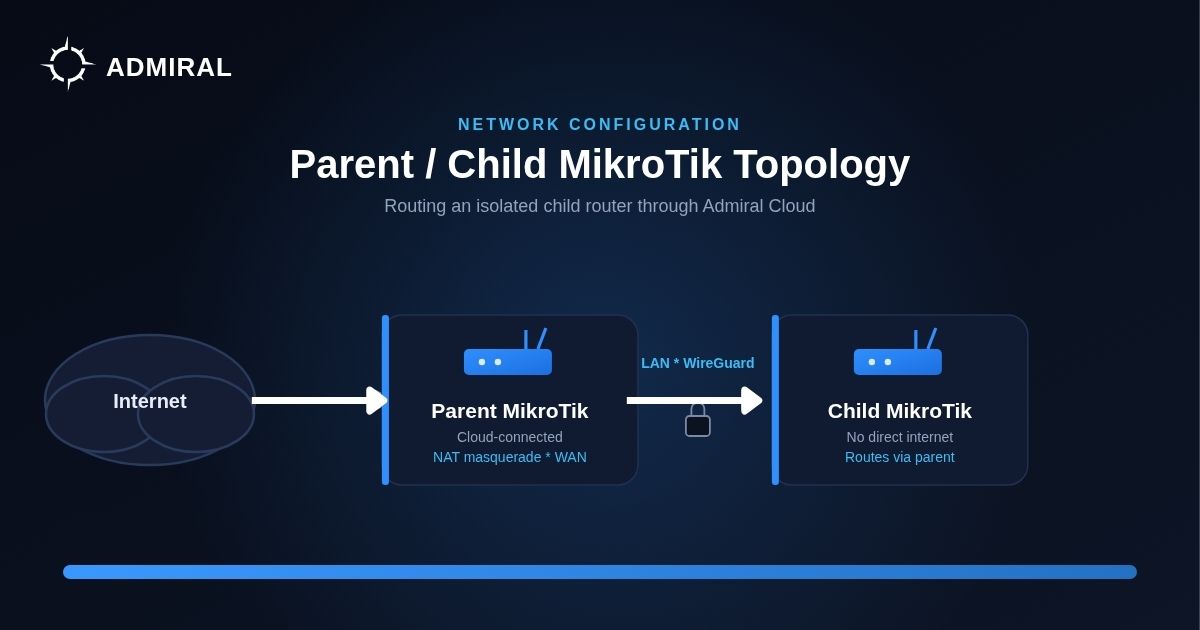
A question that comes up often from MSPs managing layered MikroTik deployments: how do you get a “child” router — one with no direct internet connection — talking to Admiral when it only has a path through a “parent” router?
This is a common topology in multi-site or segmented network designs:
Internet --- Parent MikroTik --- LAN (WireGuard) --- Child MikroTik (no Internet)
OR
Internet --- Parent MikroTik --- VLAN --- Child MikroTik (no Internet)
The child device relies entirely on the parent for any outbound connectivity, including the WireGuard tunnel back to Admiral’s cloud. Here’s how to configure that path.
The short version
If your parent MikroTik is cloud-connected to Admiral, you need two things:
- A NAT rule on the parent that allows the child’s traffic destined for Admiral to be masqueraded out the parent’s WAN interface.
- A route on the child (if it doesn’t already have a default route pointing at the parent) so that traffic destined for Admiral actually gets sent toward the parent in the first place — which is what triggers the NAT rule.
Find Where Admiral’s VPN concentrators live
Locate your vpn concentrator ip by pinging your assigned vpn concentrator(find in your router listing or Admiral config): example ping myvpn.admiralplatform.com resolves to 11.22.33.44.
Example configuration based on myvpn.admiralplatform.com using 11.22.33.44.
On the parent (add a source NAT rule):
/ip firewall nat add chain=src-nat out-interface={$WAN_Interface} src-address={$ip_of_child} dst-address=11.22.33.44 action=masquerade comment=Admiral
On the child (add a route toward the parent, assuming no existing default route):
/ip route add dst-address=11.22.33.44 comment=Admiral gateway={$ip_of_parent}
Swap in your actual WAN interface name, the child’s IP address, and the parent’s gateway IP as appropriate.
A few things to watch for
- Default routes: if the child already has a default route pointing at the parent, you can skip the dedicated route rule — traffic will already be sent that direction.
- Alternative approaches: depending on your setup, mangle rules or routing rules can accomplish the same result instead of a straightforward NAT + route combination. Use whichever fits your existing routing design.
- Firewall filters: depending on how your filter chains are configured, you may need to add explicit allow rules so this traffic isn’t dropped before it reaches NAT or routing.
Why this matters
Segmented topologies like this — where only one device in a chain has real internet access — are common in environments where MSPs want tighter control over which devices can reach the outside world directly. Getting the NAT and routing right on the parent means every device behind it, including child MikroTiks with no WAN access of their own, can still be managed through Admiral without punching any new holes in your network design.
If you run into edge cases with more complex chaining (child-of-a-child, multiple LANs, etc.), the same masquerade + route logic generally extends — just make sure each hop back toward the internet has its own NAT rule for the range.

Related Posts