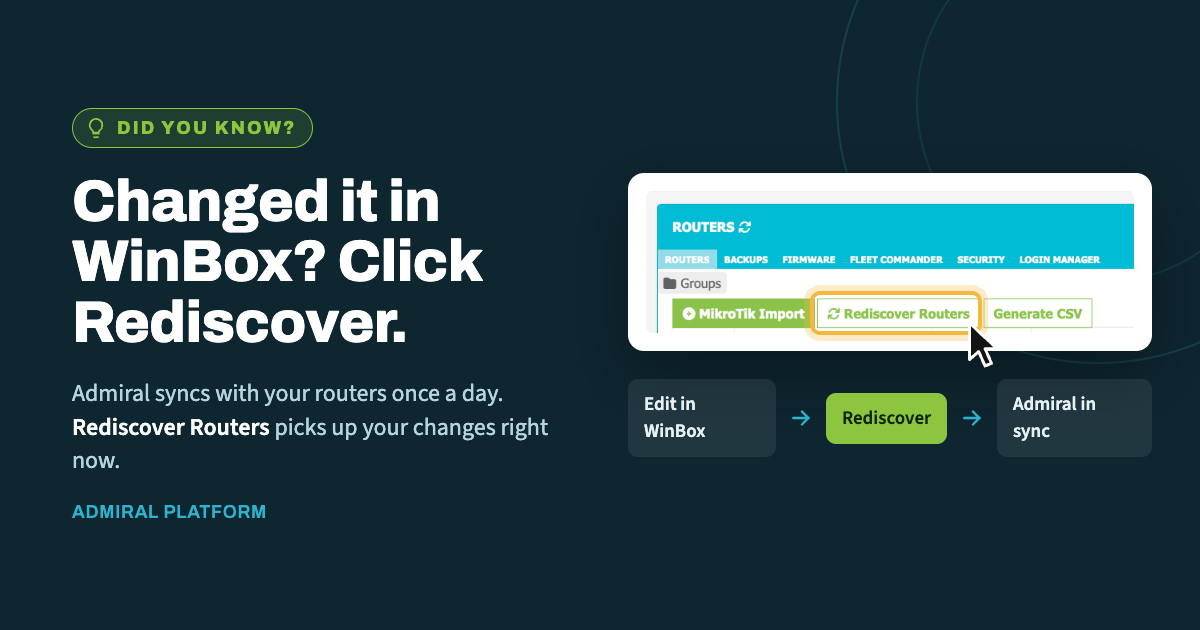
When you make a change directly on a router in WinBox, Admiral doesn't learn about…
What the MikroTik RouterOS SSH vulnerability means for Admiral
MikroTik has published fixed releases in every channel. Here is what Admiral exposes, what it doesn’t, and how to fence SSH down to Admiral alone while you roll firmware across your fleet.
THE SHORT VERSION
Upgrade. Fixes are out in all four channels. Everything below is about reducing exposure in the meantime, not a substitute for patching.

The risk lives on SSH reachable from untrusted networks. Technical details are public and exploitation is being reported against devices with SSH open to the internet, so "most configurations are not at risk" isn't a reason to wait.

Admiral does not put your devices' SSH on the internet. Backups and WebSSH ride the management tunnel. The one path that can expose SSH publicly is the optional remote access feature, which you turn on deliberately and which sits behind an IP-restricted firewall.

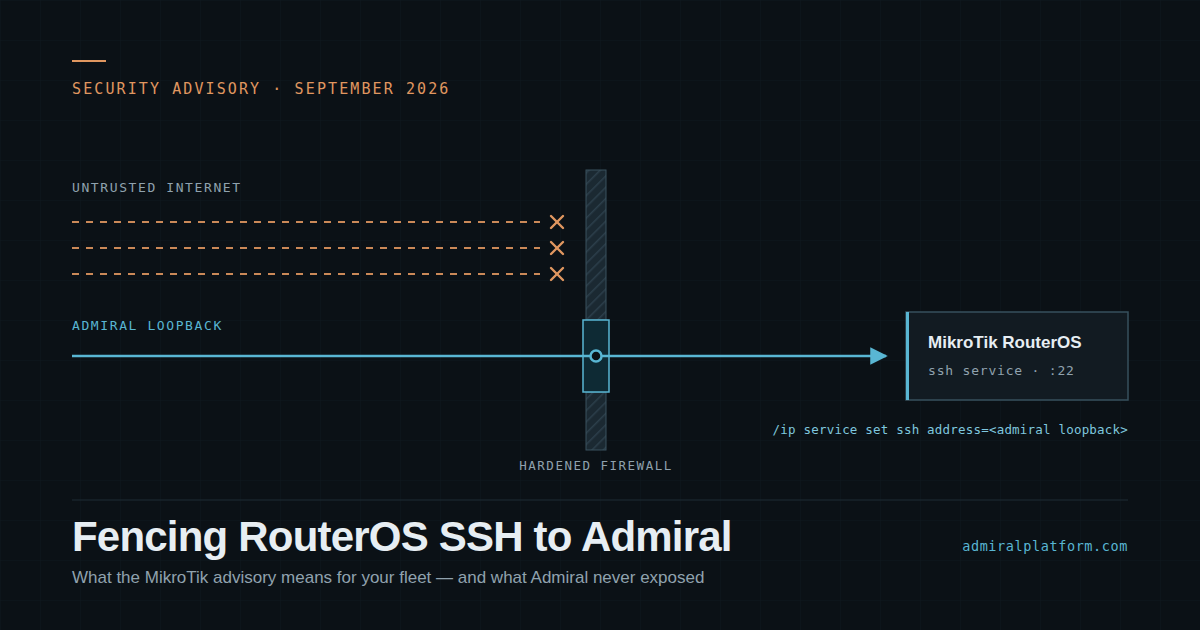
One Fleet Commander command restricts SSH to Admiral's loopback while you work through the upgrade.
What MikroTik published
Last week MikroTik announced that it had found a security vulnerability in RouterOS and shipped fixes across every release channel. Since then the advisory has been expanded: CVEs have been assigned, the underlying issues involve SSH authentication handling, and public reporting describes active exploitation of devices whose SSH service is reachable from the internet.
MikroTik’s own guidance is short and worth repeating: upgrade, and make sure SSH is not open to any untrusted network. The full advisory lives on MikroTik’s security page.
Several of our users have asked what all of this means for their Admiral deployment. Here’s the answer, surface by surface.
Where Admiral touches SSH
Admiral uses SSH internally — for taking device backups and for the WebSSH feature. Internally is the operative word. None of it requires your MikroTiks to answer SSH from the public internet.
Device backups
NOT INTERNET-FACING
Admiral connects to each device over SSH from inside your instance, across the management tunnel. Nothing about this requires the device’s SSH service to be reachable from outside your network.
WebSSH
NOT INTERNET-FACING
The WebSSH server and service run inside your on-prem Admiral instance, so the SSH side of it is never exposed or reachable off-network.
Optional remote access for SSH
OPT-IN · IP-RESTRICTED
This is the only Admiral feature that publishes SSH beyond your network, and only if you deliberately enable it. Even then, a hardened firewall sits in front of the service and permits connections only from the IPs and subnets listed under Account Security in your admin dashboard. How the remote access feature works →
Admiral Web UI
OFF-NETWORK · MFA REQUIRED
Reachable off-network by design, as you’d expect, and protected by multi-factor authentication.
The Admiral instance itself
VPN TUNNEL ONLY
Admiral runs behind a hardened firewall that blocks SSH from off-network entirely. Our team reaches it only over the encrypted VPN support tunnel, and only to work your tickets.
Fencing SSH to Admiral while you patch
Users have also asked how to reduce exposure during the upgrade window. The tightest option is to limit the SSH service to Admiral’s loopback address. You can push this from Fleet Commander:
FLEET COMMANDER
/ip service set ssh address=<loopback_ip_of_sstp_client>
Each MikroTik is assigned a VPN concentrator in the dashboard, and the loopback IP varies by concentrator. If your deployment spans several concentrators, list every Admiral loopback your devices use — separate addresses with commas and no spaces.
NOTE
After this change, SSH is reachable only from the addresses you listed. If Admiral's loopbacks are the only entries, that means Admiral's WebSSH interface is your only way in — your laptop, jump host, and any monitoring that shells into devices will be shut out until you add them.
To keep broader internal access while still closing the door to the internet, add the subnets you actually use:
EXAMPLE · INTERNAL NETWORKS PLUS ADMIRAL
/ip service set ssh address=10.0.0.0/8,172.16.0.0/12,192.168.0.0/16
CAREFUL! That example covers all of RFC 1918. It stops attacks from the internet, but it still permits SSH from anything on your private networks — including a compromised host inside them. Narrow it to the specific loopbacks and management subnets you need. And to say it once more: this is mitigation, not a fix. Upgrade the firmware.
After you upgrade
MikroTik recommends that you don’t stop at the reboot. On any device that may have had SSH reachable from an untrusted network before you patched it:
- Review the configuration for users, scripts, or scheduler entries you don’t recognize.
- Check the device logs for login activity you can’t account for.
- Watch for the
Flaggedstatus RouterOS sets when it detects signs of tampering.
Admiral’s backup history helps here — you can compare a device’s current configuration against a known-good copy from before the exposure window rather than eyeballing it.

Related Posts