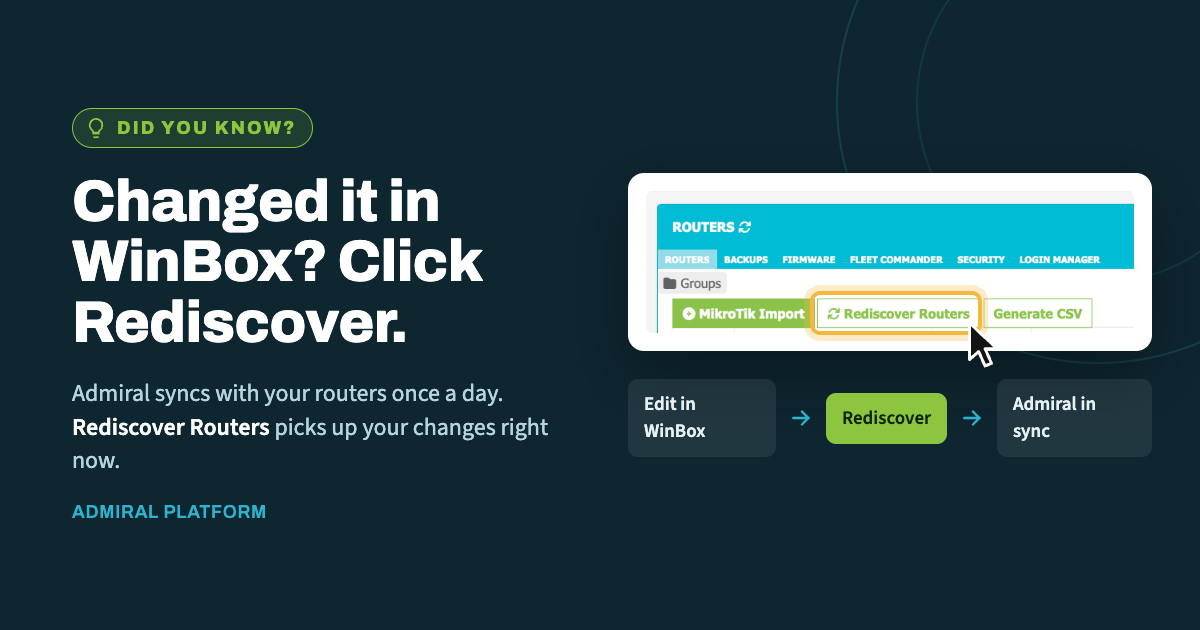
When you make a change directly on a router in WinBox, Admiral doesn't learn about…
Introducing Sister Ship: Geo-Redundancy for Admiral
If Admiral is running mission-critical parts of your network, a single regional outage shouldn’t mean you’re flying blind. That’s why we’re introducing Sister Ship — a geo-redundant secondary Admiral account, available at a steep discount for existing customers.

What Sister Ship is (and isn’t)
Sister Ship is not true high availability in the automatic-failover sense. There’s no live sync, no automatic cutover, and no shared database between your primary and secondary accounts. We want to be upfront about that, because it matters for how you use it.
What it is: a second, complete Admiral account, provisioned in a different region from your primary account, that you keep ready to go. It has its own independent copy of Admiral’s full feature set — monitoring, backups, remote access, alerting — running on entirely separate infrastructure from your primary account.
Because the two accounts live in different regions, an incident that takes down one region doesn’t touch the other. Every region we operate has always had at least one healthy sister region online — that track record is exactly what Sister Ship is built to take advantage of. For example:
- Your EU account has a sister in the US or Africa (ZA) region.
- Your US account has a sister in the EU or Africa (ZA) region.
- The same pairing logic extends across all of our regional clouds.
How it works day to day
Sister Ship is intentionally simple, which is part of why it’s reliable:
- You add the same MikroTiks and users to your secondary account as your primary.
- Because the two accounts don’t sync, you’ll need to manually add or remove devices and users on both sides as your network changes.
- In normal operation, your secondary account just sits there, current and ready.
- If your primary region ever has an incident, your secondary account is already configured and available, in a completely separate part of our infrastructure.
That manual step is the trade-off for simplicity and true regional independence — no shared components, no shared failure modes, nothing to keep in sync but your own device and user lists.
Getting started
Setting up Sister Ship takes two steps:
- Create your second Admiral account in a different region, using the same email address as your primary account.
- Email us at billing@admiralplatform.com to let us know you’d like your Sister Ship discount applied.
Secondary accounts under Sister Ship are 50% off!
Have questions about which region pairs best with your primary account, or how to structure the device/user list for your secondary? Reach out to our team — we’re happy to help you plan it out.

Related Posts