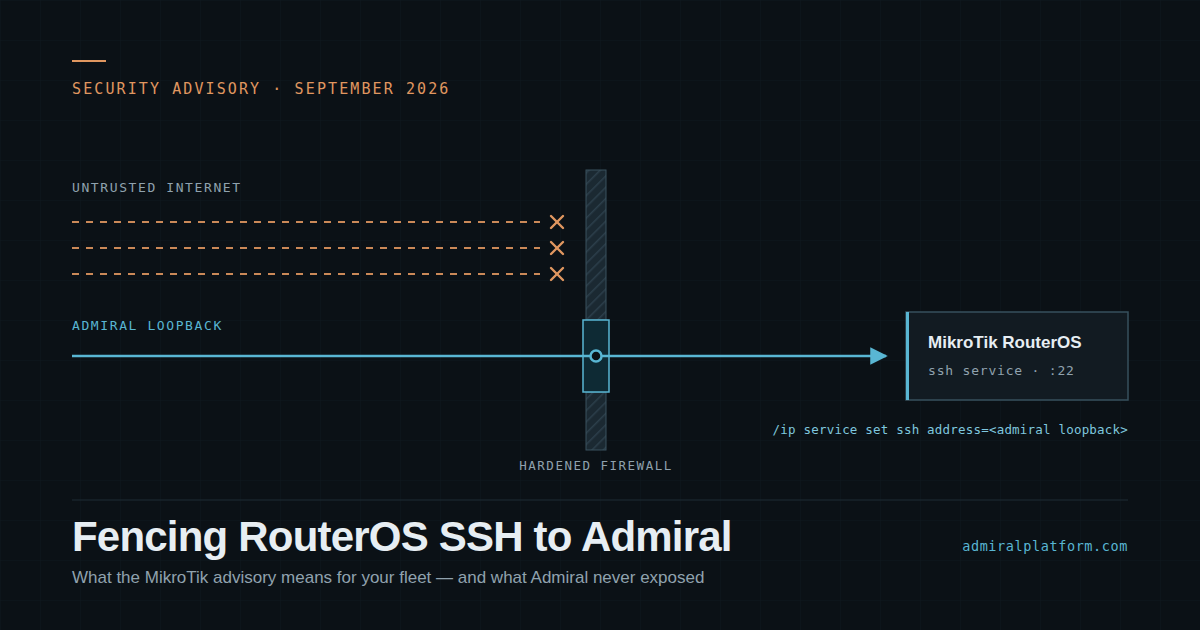
Recently we had the opportunity to investigate some polling and telemetry issues on some poorly…
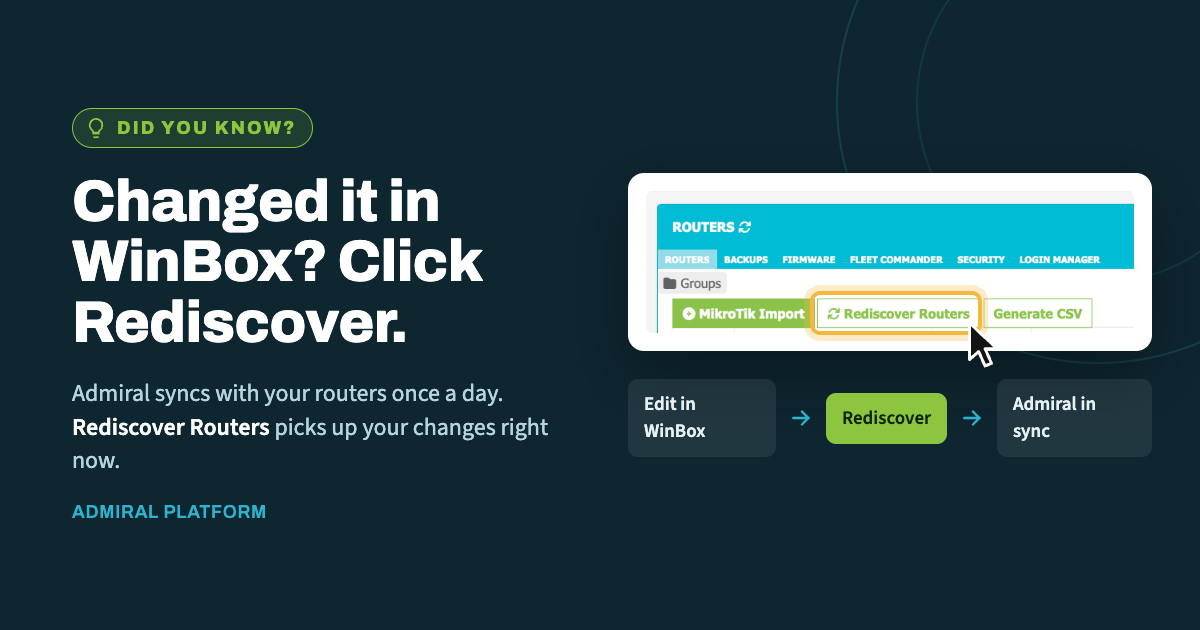
Did You Know? Run Rediscover After Making Changes in WinBox
When you make a change directly on a router in WinBox, Admiral doesn’t learn about it right away. Discovery, the process that keeps Admiral in sync with your routers, runs automatically once a day. Until then, the router and Admiral may disagree about how the router is set up.
For most changes, waiting until the next daily run is fine. But when you’re actively working on a router, a mismatch can get in the way. You can’t connect on a port Admiral doesn’t know about yet, and you can’t confirm that a security fix took effect if the dashboard is still showing old data.
The fix: one click
On the router listing page, look for the green outlined Rediscover Routers button. Clicking it runs Discovery on demand, and Admiral picks up your changes right away instead of the next day.
Example: You log in with WinBox and change the router’s WinBox port. Click Rediscover Routers, and Admiral finds the new port and updates its records, so your next connection from the dashboard just works.
What Rediscover picks up
Discovery covers much more than ports. Here are some of the changes it detects and refreshes:
- Router details: MAC address, IP address, firmware version, and system identity
- IP services: WinBox, SSH, and the access restrictions (ACLs) on those services
- Security checks: blank admin passwords on RouterOS v6, IP SOCKS being enabled, and signs of the Mēris botnet
- Routing and neighbors: OSPF, BGP, topology, and neighbor discovery
- Platform features: provisioning for VPN Health Check, Login Manager, and logging optimization (if enabled company-wide), along with bogon list updates and Watchtower firewall cleanup (if subscribed or in use)
Discovery also clears out LAN devices that haven’t been seen in more than 60 days, which keeps your device lists accurate.
Make it a habit
A good rule of thumb: whenever you finish a session in WinBox, click Rediscover Routers. It takes a few seconds and means what you see in Admiral always matches what’s on the router.

Related Posts