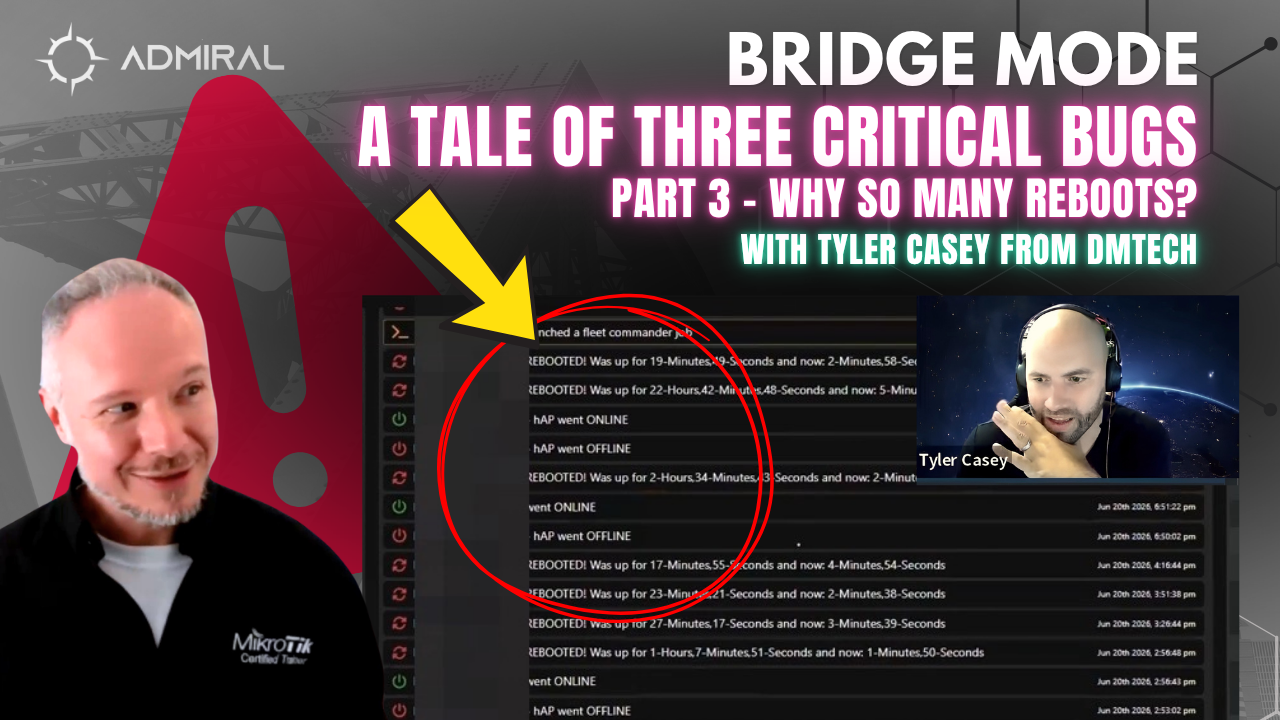
Tracking Down Random Reboots on the hAP ax S. In this episode of Bridge Mode, Marc and Tyler Casey of DM Tech get into a challenging discovery that points to a bug on a certain model of MikroTik.
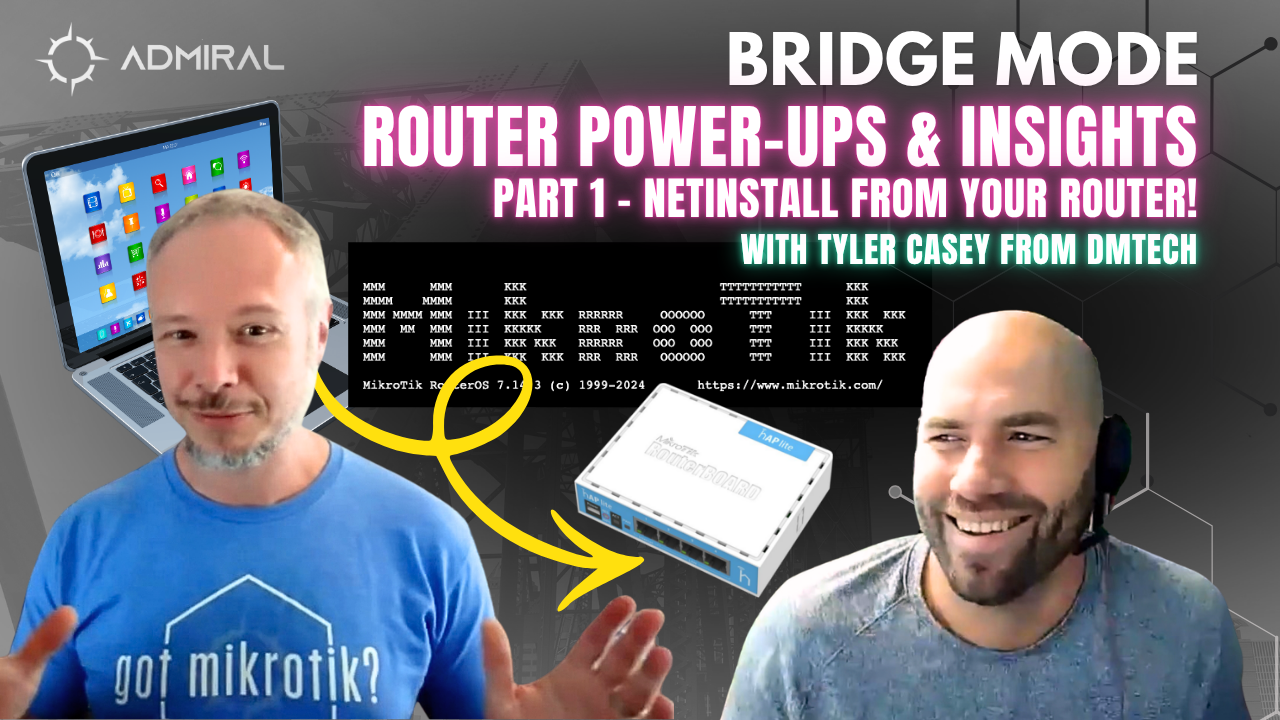
Router Power-ups and Insights plus NetInstall
4.
Router Power-ups and Insights plus NetInstall
On this episode of Bridge Mode, MikroTik Marc sits down with Tyler Casey to talk about a new RouterOS feature Tyler has already put to work, and a RouterOS quirk that has caused real headaches in the field.
NetInstall, no PC required
RouterOS 7 has supported container apps for a while. Tyler admits most of them hadn’t interested him. That changed when MikroTik released a NetInstall package that runs as a container.
Tyler’s team uses NetInstall more than almost any operator he knows. They typically run 10 or more devices a day. The work includes:
- Recovering devices. NetInstall formats the flash, which fixes units like the hAP ac² that report phantom “not enough space” errors when upgrading.
- Bulk provisioning. They order subscriber routers 60–80 at a time and stamp a standard config onto each one.
Until now, that meant keeping a dedicated laptop connected to a PoE switch. Tyler notes that modern operating systems and security software often don’t play nicely with NetInstall. With the new container, his RB5009 is the NetInstall server. You plug a router in, and it’s provisioned automatically with no confirmation step. You can also set profiles per model and per interface, which the Windows app can’t do.
Tyler says setup took about half a day because documentation is still thin. The result is a bench you can leave running unattended.
Tyler also points out a natural fit with Admiral Platform. If you bake Admiral’s Easy Config into your standard RSC and NetInstall every router with it, each device checks in as soon as it’s deployed. It even checks back in after a factory reset, because the NetInstalled config replaces the default one.
Device mode: the silent feature killer
The conversation then turns to device mode. This lower-level lockdown disables certain features on devices MikroTik classifies as home routers, and even admin permissions can’t override it.
The tricky part is that an RSC will restore without any errors, even when some of its commands are blocked. Tyler first found out when a bandwidth test from Admiral kept failing on a hAP ax S at a customer’s house. Admiral now detects this and links to the documentation. Re-enabling the feature requires physically pressing the reset button or pulling power within a few minutes, so Tyler had to walk five customers through it over the phone.
It got worse when a batch of PowerBox Pros arrived in home device mode. These are outdoor PoE switch-routers with no Wi-Fi, often mounted at tower sites. API access, bandwidth test, and other critical features were disabled, and fixing them requires someone to physically touch the unit. Marc and Tyler’s advice is to check device mode before deployment.
Coming up on the Next BridgeMode
The episode closes with a teaser. Tyler and his staff are about to share an unsettling customer-identification scenario they ran into, so stay tuned.
Have a story or question for the show? Email bridgemode@admiralplatform.com. Bridge Mode is brought to you by Admiral Platform, remote management and monitoring for MikroTik network operators.

Related Posts