What’s New on Admiral Platform September 2024
We’ve been working hard behind the scenes to roll out new features that’ll help you manage your MikroTik gear with even more ease and efficiency.
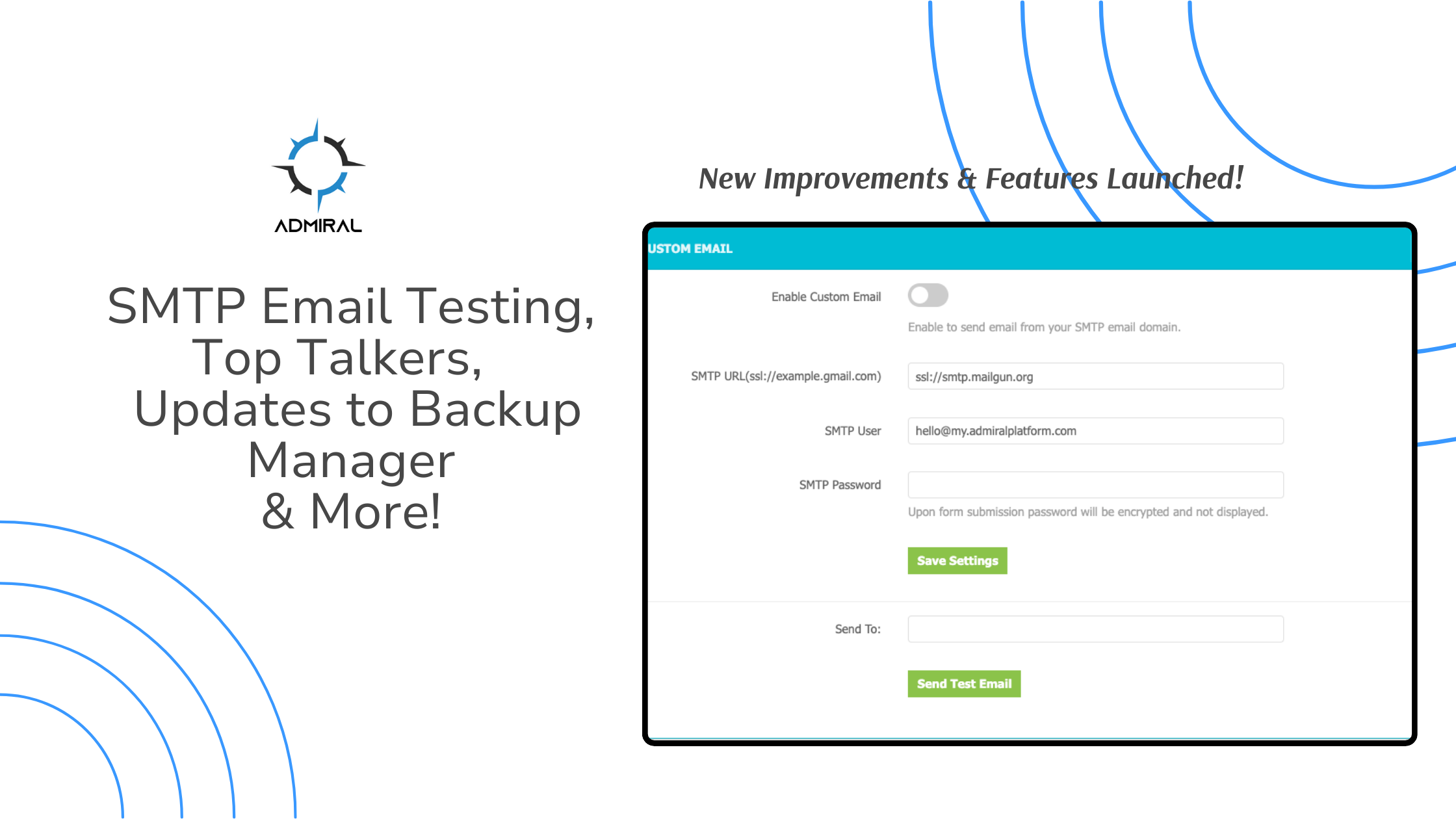
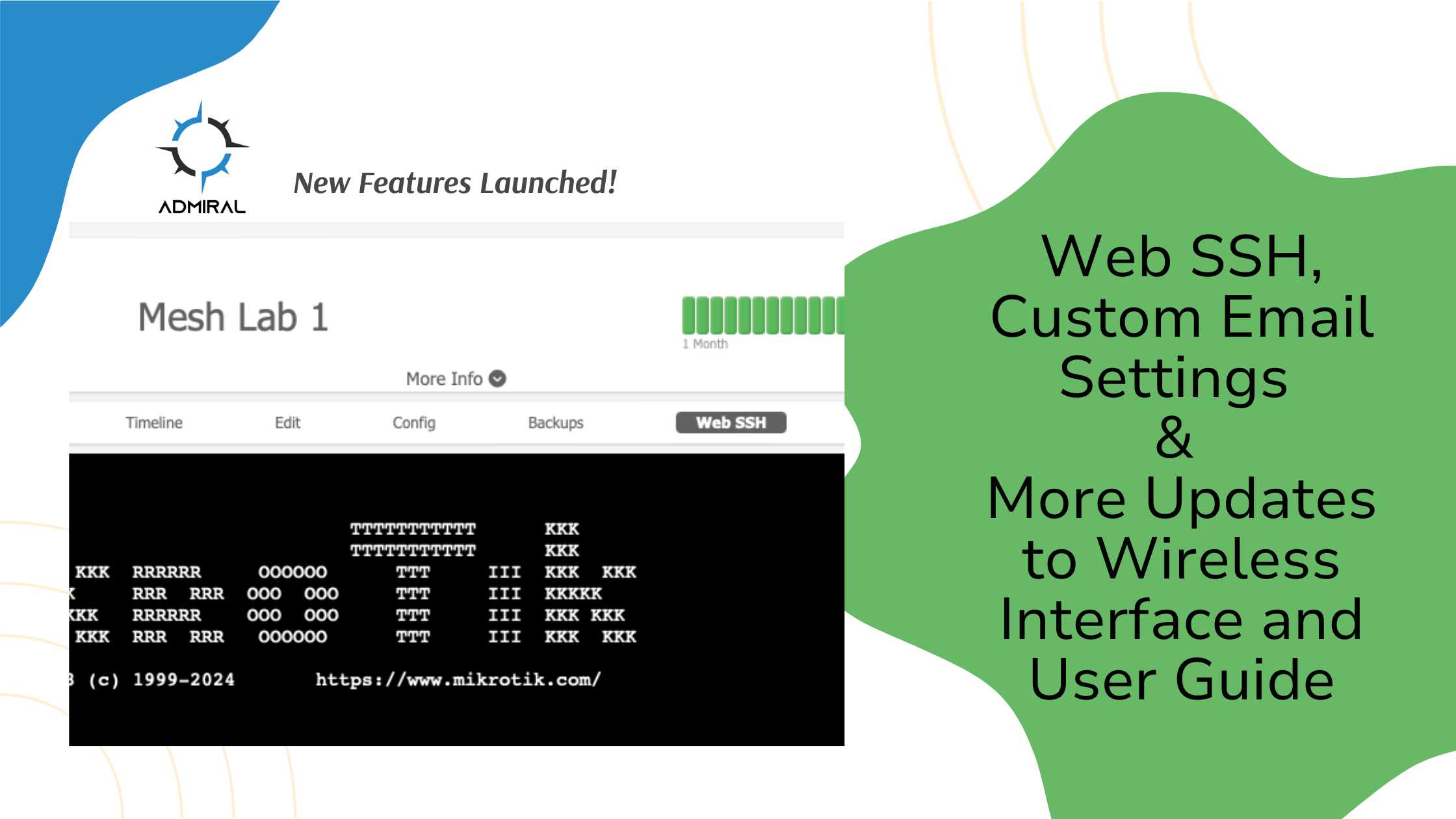
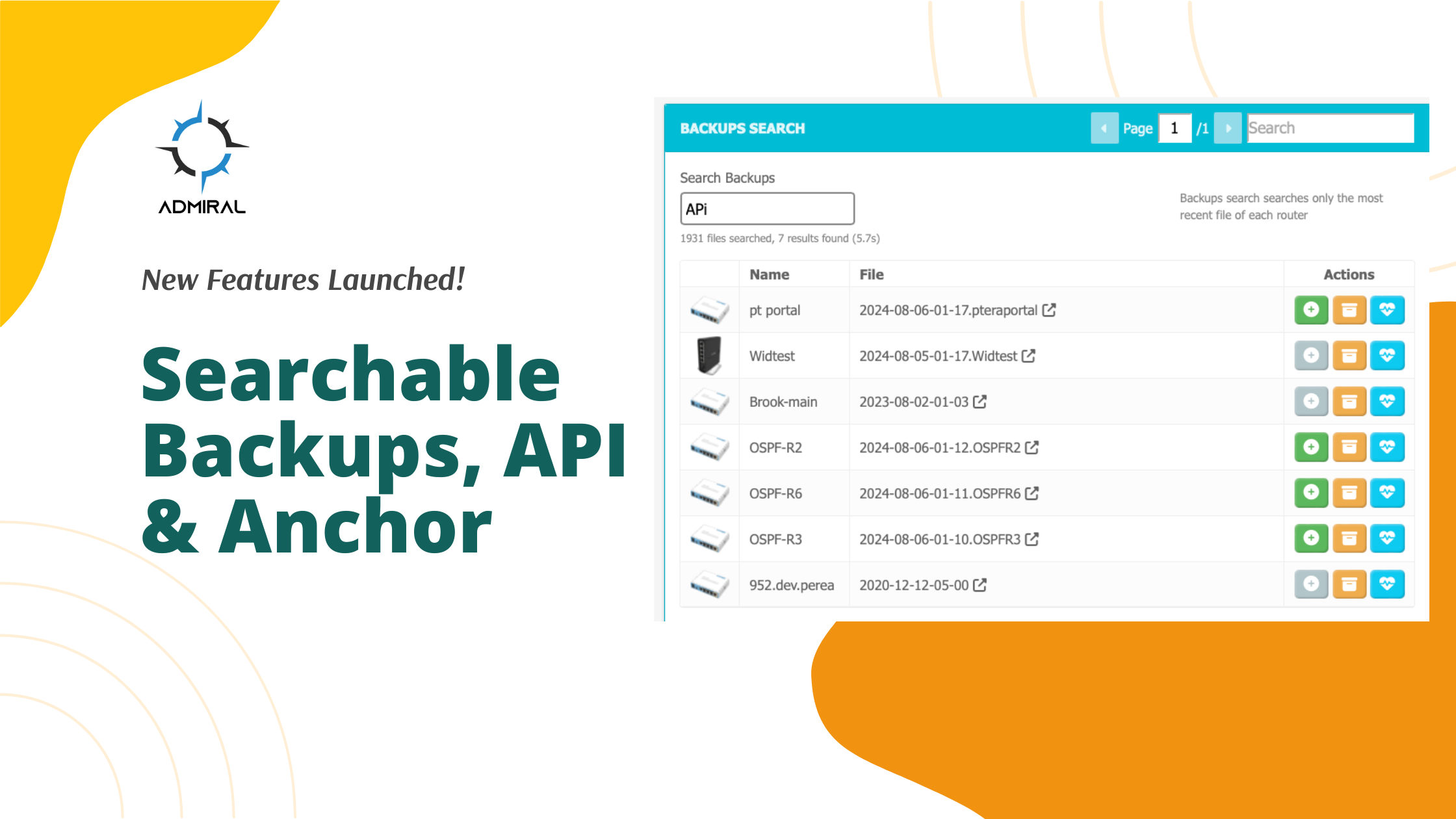
At Admiral Platform, we are dedicated to continuously improving our offerings to help network administrators manage their Mikrotik routers and switches more efficiently. We recently released three new features that enhance the usability, accessibility, and functionality of our platform: Searchable…
Coming soon to the Admiral Platform dashboard is a way for network engineers and administrators to integrate Admiral's powerful tools into their network operations. We will soon be releasing an API to our software, allowing users to further automate their…
Admiral Platform announces the launch of a new tool for MDU deployment and optimization, Radar. Multi-Dwelling Unit (MDU) WiFi deployments using MikroTik hardware will be able to use Radar to automate cumbersome and time-consuming manual troubleshooting processes. Traditionally, MDU WiFi…
A quick guide to setting up Tenancy and Custom Branding for Admiral Platform Dedicated deployments. Whether you're managing multiple companies or wanting to personalize your platform's appearance, here's a few simple steps to get started. https://youtu.be/3wYSU6SvkEM 1. Tenancy Setup: If…
Step by Step guide to setting up ZeroTier on MikroTik Part 1: Using ZeroTier as remote access In this blog post, we will go through the setup of a ZeroTier client on a MikroTik router. Right off the bat, it…
This post shares a step-by-step guide to transferring files to a MikroTik using the Admiral Platform dashboard. This can be achieved efficiently using a combination of SSH and SCP. In this post, we'll walk through the steps to set up…
We've released a new integration with our dashboard! We now offer notifications through Slack messages. Users can specify a Slack channel to receive Uptime, IP Pool, Security, and Interface notifications. Here's a step by step guide to setting up Slack…
A new update to allow users to view customer bandwidth usage on a billing cycle allowing a seamless process when troubleshooting.
How to set up integration with Telegram in the Admiral Platform dashboard for 2FA codes and network notifications.
Our services were interrupted on 2/27/24 for a few hours. Things are back in order, but here's some details to what happened.
Tips for using MikroTik's Safe Mode and how using Terminal in place of WinBox can give you some more power that WinBox alone can't do. Be sure to keep your Tiks in Admiral for easy disaster recovery!
Admiral Platform was a solution created to help network operators manage their MikroTik routers. The initial release was simply remote access, but since then it has grown into an entire centralized dashboard allowing for full control and automation of networks…
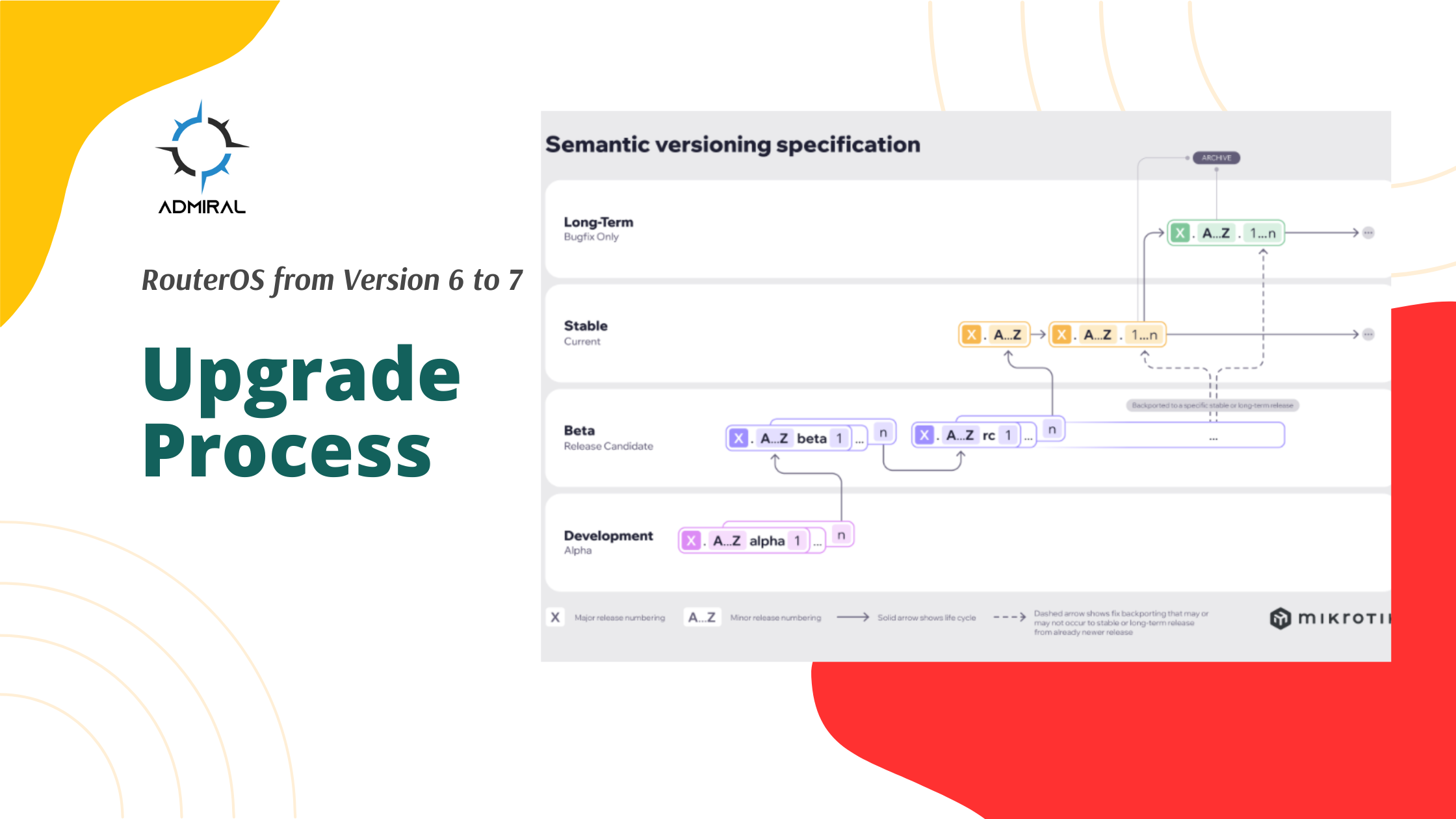
You just purchased a fresh batch of those sweet ax MikroTiks that come with RouterOS 7 by default. You couldn’t help but notice that there’s a variety of firmware versions on these Tiks, and if you’re like me, you’d like…
In 2020, RemoteWinbox emerged as a solution dedicated to simplifying remote access to Winbox. Recognizing the complexity of network management, we understood the need for extensive tools to navigate this intricate landscape. Today, we offer a comprehensive control and visibility…
RemoteWinBox, soon to be rebranded as Admiral, is going to be a Silver Sponsor for the upcoming MSP Expo 2024. This premier conference and networking summit for Managed Service Providers (MSPs) is scheduled to take place from February 13-15, 2024,…
Fleet Commander Tips Fleet Commander has been my favorite RemoteWinBox/Admiral feature since we released it back a few years ago! While I’m sure there are many people that use it regularly and have their processes down, I wanted to share…
At the start of 2023, the RemoteWinBox team set a goal to polish and perfect the dashboard with improved user interface. We released new color themes that helped users choose light or dark color options, but some of our own…
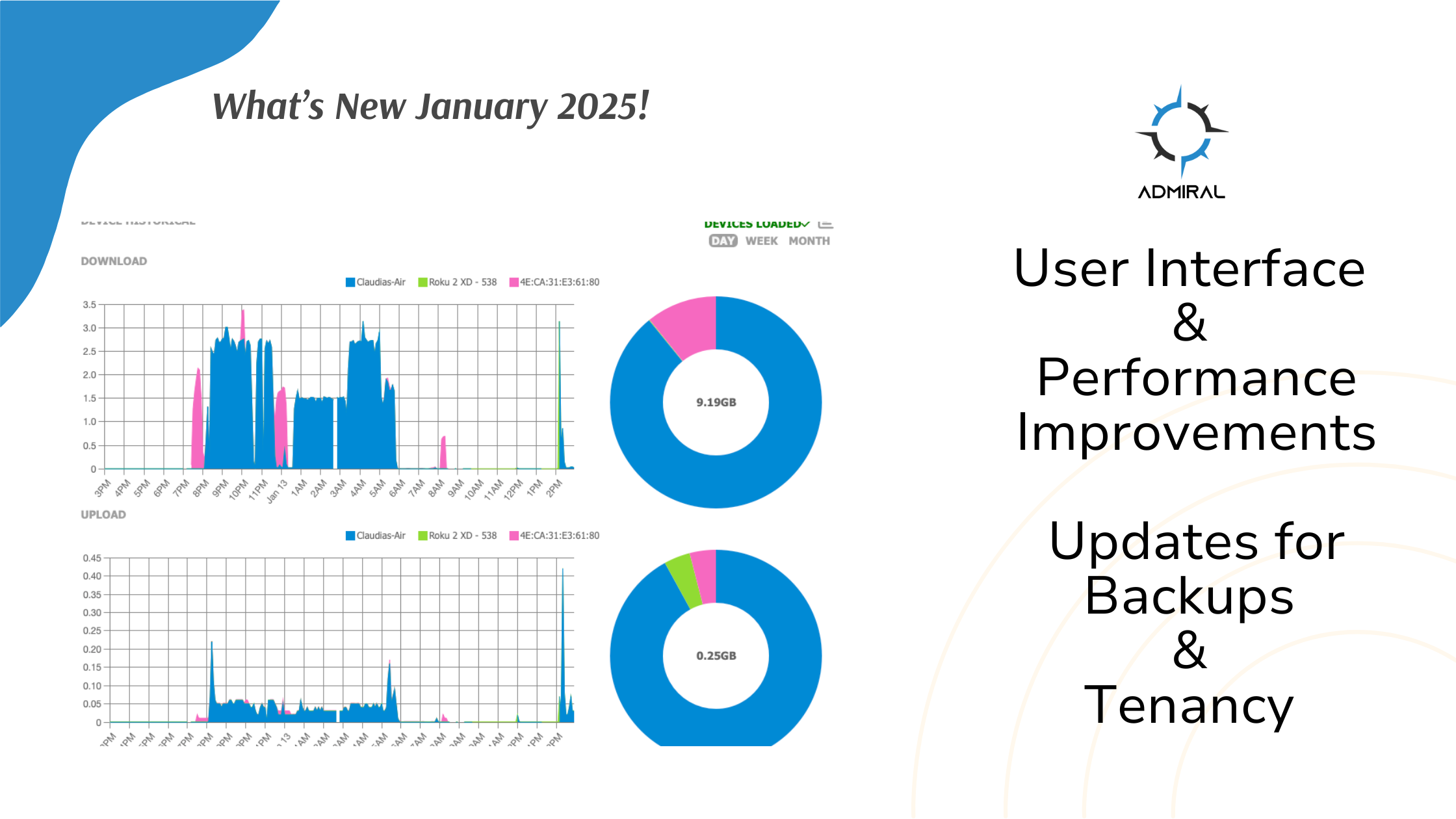
Improved User Interface & Performance for RemoteWinBox Dashboard
Tags, Subscribers, and Beta Features are now available to be assigned to Groups within the dashboard. In the User Manager select, Groups and Permissions and then edit the group.
Networks break when they aren’t designed for failure.
This 6-week course teaches you how to think like a network architect — not just configure devices. You’ll learn what, why, and how at each step, from subnet design to VxLAN troubleshooting.
You’ll Learn To:
Design redundant and scalable subnet schemes (RFC6598/RFC1918)
Deploy OSPF and BFD for sub-second failover
Extend Layer 2 networks across data centers with VxLAN
Tune MTU, cost, and routes for optimal performance
Troubleshoot like a pro using ROMON and firewall analytics