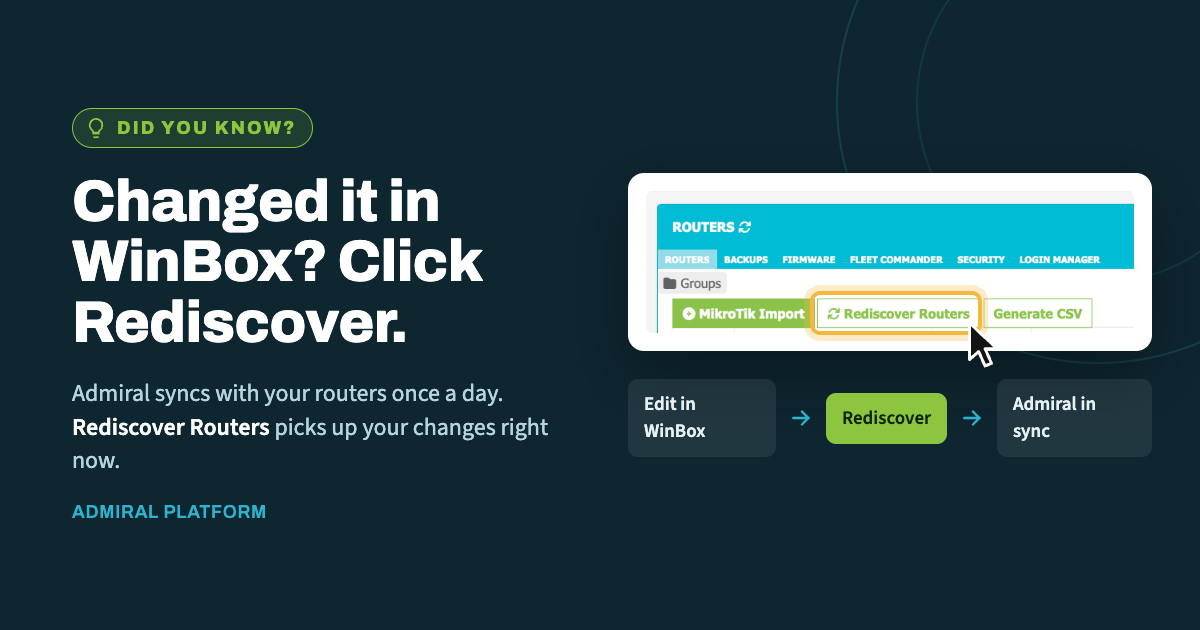
When you make a change directly on a router in WinBox, Admiral doesn't learn about…
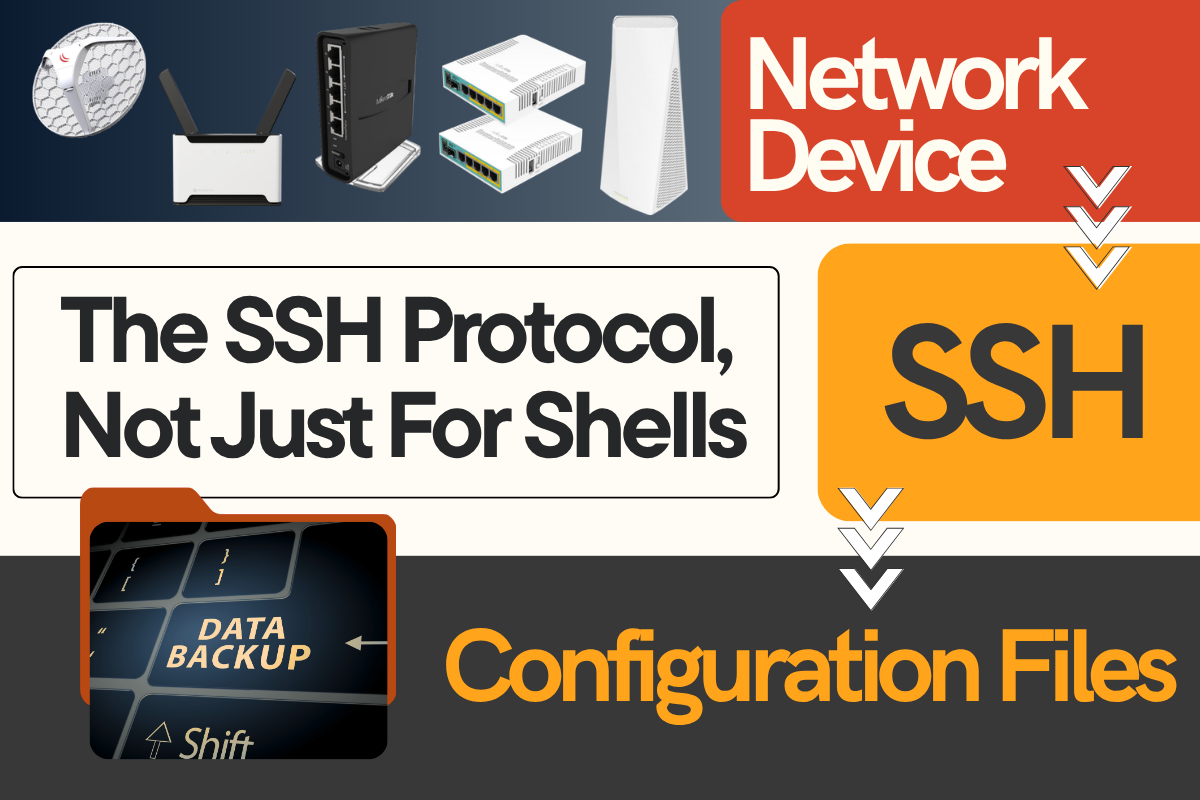
The SSH Protocol, Not Just For Shells
Recently Admiral added support for Dell switch backups in WatchTower, which faced unexpected difficulties. This, however, is not entirely unexpected. As the Admiral team has continued adding support for different devices, we’ve found plenty of situations where devices don’t necessarily implement protocols to spec. That said, this case was particularly egregious compared to the typical non-standard SNMP MIB compliance we’ve run into.
The SSH Protocol, Not Just For Shells
SSH is generally known for its shell capabilities–it is the Secure Shell Protocol, after all. However, SSH is flexible beyond its shell capabilities. It is also known for supporting SFTP (SSH File Transfer Protocol), SCP (Secure Copy Protocol), and for its use as a Git transport. Additionally useful, is the ability to multiplex multiple “channels” over a single SSH connection. So, I could in theory establish a shell session and an SFTP channel over the same connection, supporting running arbitrary CLI commands and file operations.
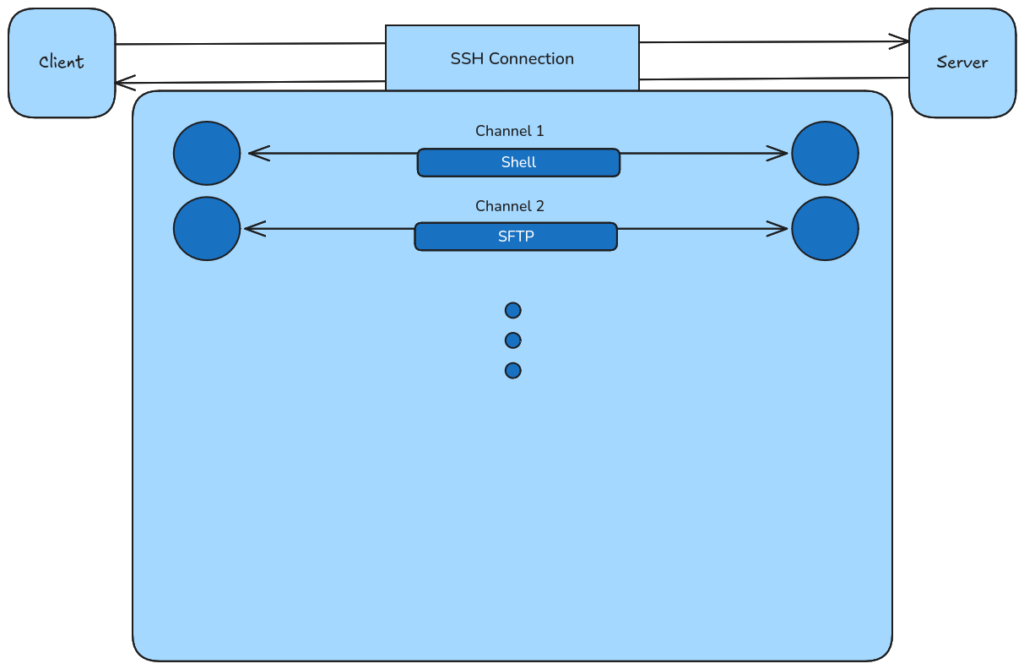
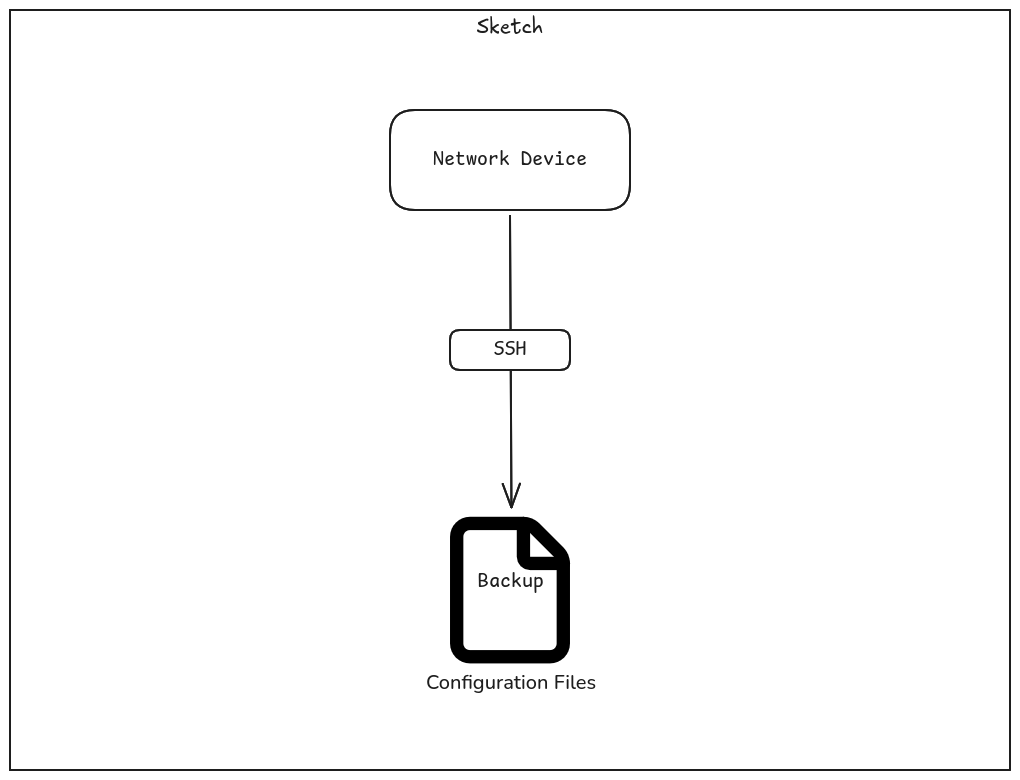
For taking backups from devices, there are a couple of useful methods for getting the backup data using SSH. First, some devices support SFTP and store backups within their file system. If backups can’t be fetched using SFTP, a lot of devices that support SSH can generate or print a backup by executing some command (e.g. with show run).
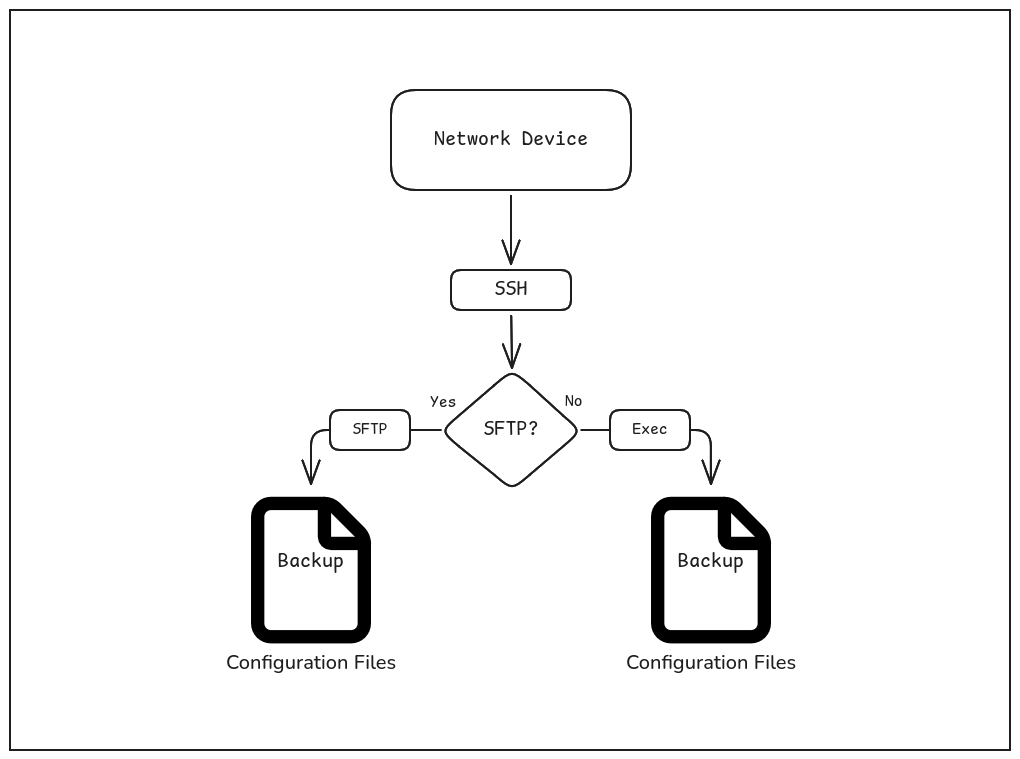
Besides all the useful utilities of SSH mentioned above, SSH also makes a distinction between shell channels and execution channels. This distinction is important, because executing a shell might include displaying some banner and/or some prompt line (like username@hostname ~/path $ on Linux) which is not desirable when just executing a command and getting the output.
With that said, one issue we had with getting Dell Switch backups is that the Switch did not make a distinction between shell channels and exec channels. This can be particularly frustrating, because it means you need to remove any banners or prompt lines from the command output. Additionally, SFTP was not supported for the devices we were testing with. This makes getting backups using SSH somewhat error-prone, as you’re largely left with the exec method and need to remove extraneous output in a way that doesn’t break if SSH exec is fixed (ensuring wide support across firmware versions).
Another issue we faced is that trying to multiplex multiple channels over an SSH connection would cause one of those channels to return empty output, which displayed itself as a race condition depending on which command got executed first (e.g. show running-config versus show startup-config). There are then two ways of handling this: Serialize the commands (run them in order) or just re-run the command that returns empty output. If you already have infrastructure in place for multiplexing over SSH channels, then it isn’t unlikely that multi-threading or asynchrony is being utilized, which means serialization may need to utilize synchronization primitives such as a mutex or semaphore. The second option of just re-running the command returning empty output also adds some logical overhead, which in general should be avoided.
Finally, after getting the configs, you may need to do additional cleaning on the returned config. For example, if you are comparing running-config to startup-config, section separators may be different (!<space> versus just !). Some other devices may spuriously reorder configuration sections, add padding, etc. Sometimes, it may end up being easier to design a parser for a device’s configuration syntax to remove the uncertainty.
In any case, these issues add additional considerations and obstacles when designing a generalized way to get backups from devices. It may not just be Dell Switches (or the version we were testing against) with such issues… network devices are particularly prone to needing to implement non-standard SSH servers due to potential environment restrictions (e.g hardware, software, operating system, etc). The world of integrating with different hardware/software vendors is full of these considerations. This can also make it harder to write software using AI tools (i.e. vibe coding your own RMM), as these issues can often be overlooked or go undocumented, so LLMs may write software that ignore these vital edge cases.

Related Posts