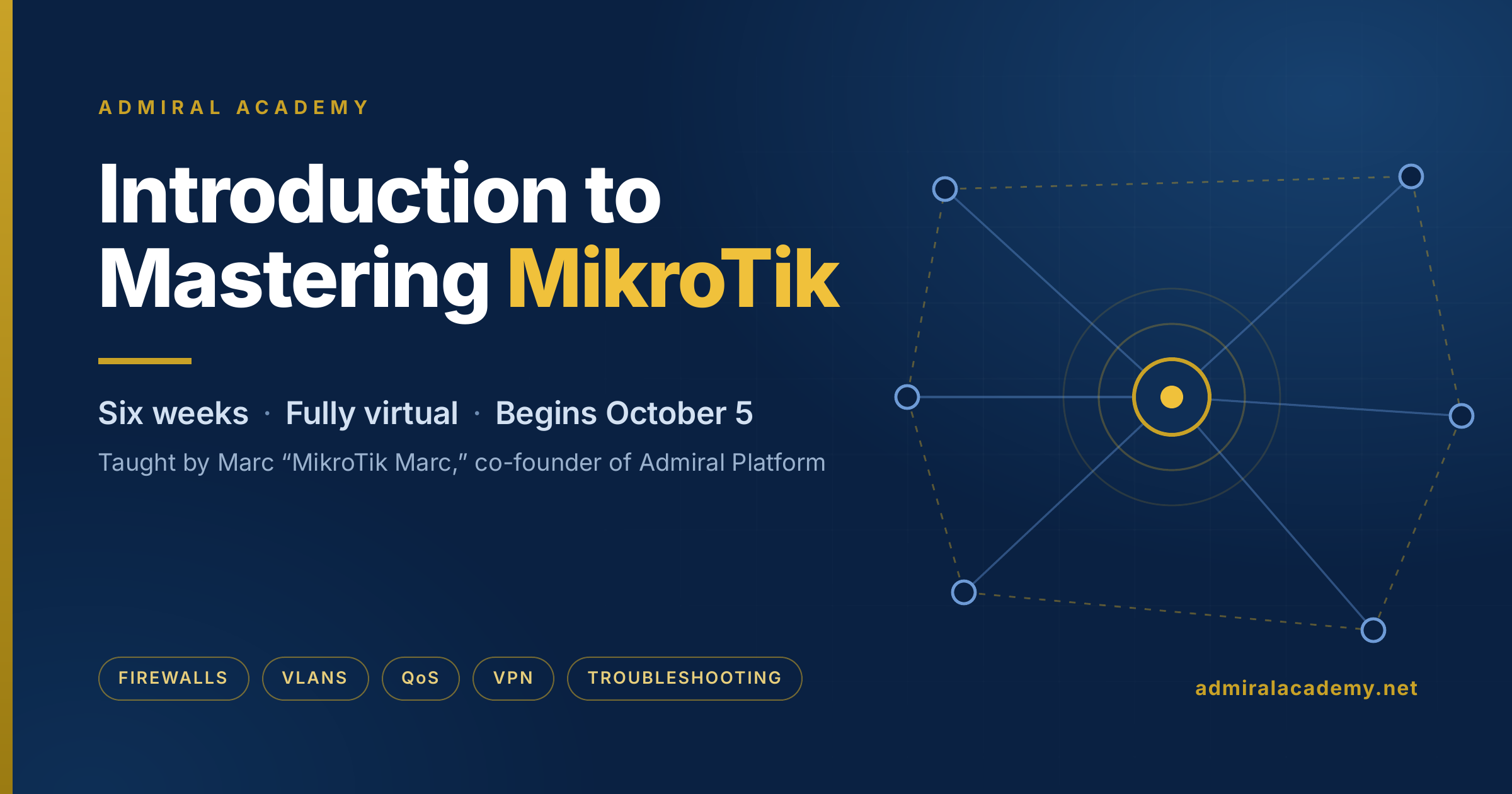
Enrollment closes soon for the October class of Introduction to Mastering MikroTik — six weeks, fully virtual,…
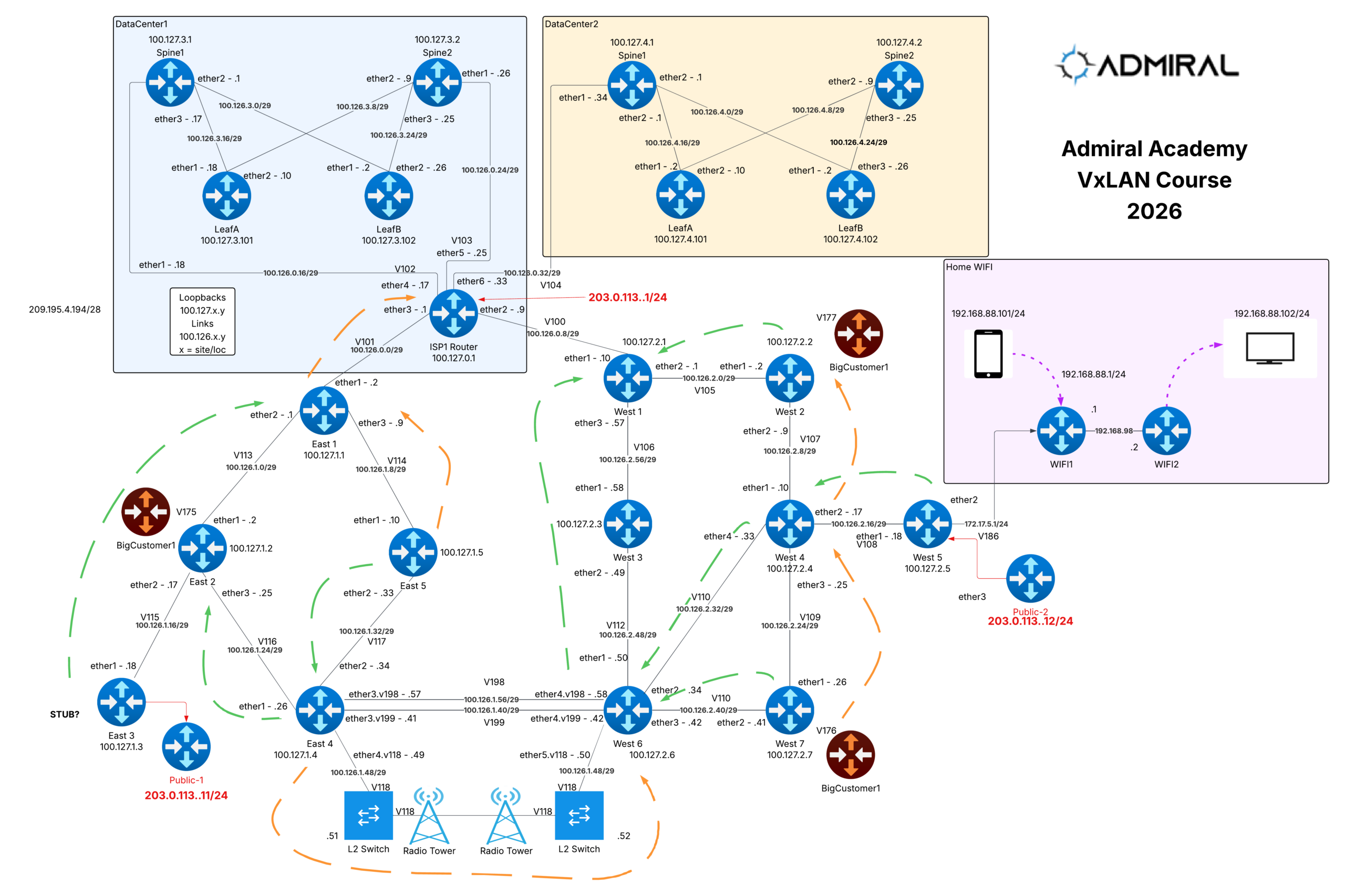
Scaling MikroTik Labs Worldwide with RoMON
As we built our MikroTik VXLAN class for Admiral Academy, one deliverable mattered as much as the curriculum itself: a lab environment that was powerful, safe, and frictionless for students anywhere in the world.
To make the training truly hands-on, we provisioned individual “lab pods” for each student—Proxmox-hosted environments packed with virtualized MikroTik CHR routers. In total, we spun up hundreds of CHR VMs so students could build (and break) intricate topologies, test real-world designs, and run repeatable labs without risking production networks.
The challenge: global access without wasting public IPs
Students joined from multiple continents. Each pod contained dozens of MikroTik CHRs. The straightforward approach—assigning a public IP to every VM—would have been expensive, operationally messy, and unnecessarily wasteful.
So we asked a simple question:
How do we give every student clean access to every CHR in their pod without consuming a pile of public IPv4 addresses?
The solution: RoMON (to the rescue!)
The answer was RoMON (Router Management Overlay Network).
We assigned one public IP per lab pod so that each student could customize their own security policy, then had each student enable RoMON across the CHR VMs inside their pod. With RoMON enabled, WinBox can discover and connect to MikroTik devices over the management overlay—even when those devices have minimal configuration.
In practice, it meant:
- Students connect to the pod through a single reachable entry point.
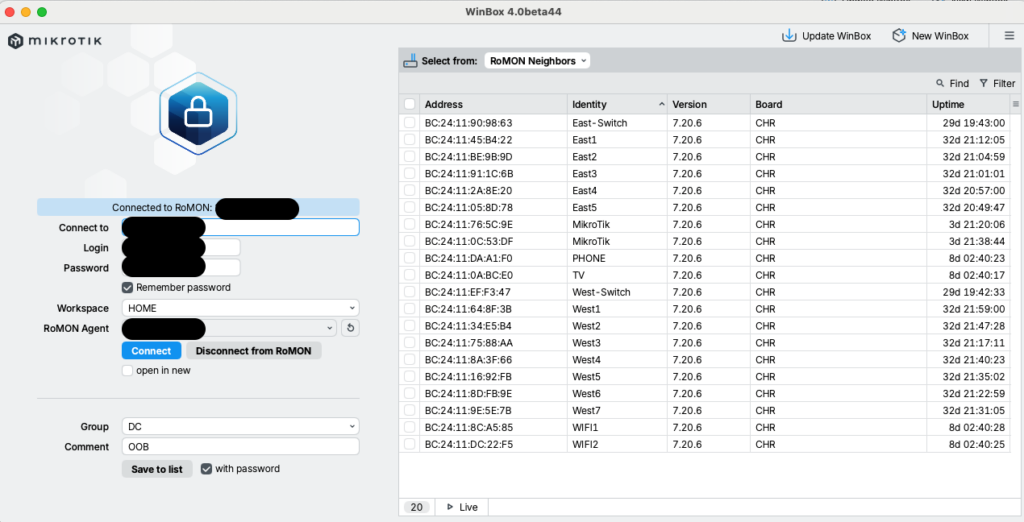
- WinBox immediately reveals all MikroTik CHRs in that pod via RoMON.
- No need to expose every VM to the internet.
- No need to pre-configure IP addressing on every router just to get started.
The outcome: full visibility, zero friction
The result was exactly what we wanted: every student could access 100% of their MikroTik CHRs quickly and reliably—without a mountain of public IPs, network configurations, and without the “day-one lab access” headaches that can derail online training.
As you can see in the screenshot below, WinBox cleanly enumerates the entire lab environment, making it easy to jump between routers and focus on learning VXLAN instead of troubleshooting connectivity.
Power up RoMON with Admiral
If you’re like me, you can add your upstream “pod” MikroTik to your Admiral account and use RemoteWinBox and WebSSH for secure, anywhere access to your lab pod—no matter where you are in the world.
Start an Admiral account today and connect in minutes.

Related Posts